10 inspiring reasons for Capture One
as part of our Online Fototage
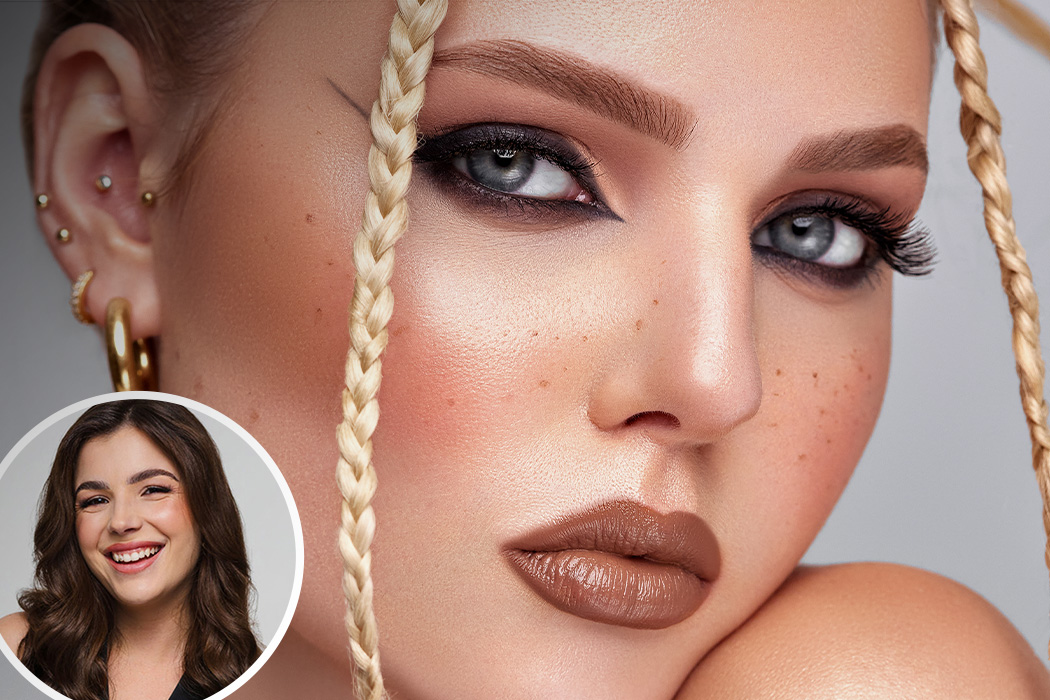
Whether in numerous forums, photo groups or at regulars' tables - the name CAPTURE ONE is being mentioned more and more often, and not without good reason. Rarely has a pure RAW converter caused such a stir. Originally developed for professional medium format users, the software is increasingly inspiring hobby and amateur photographers. If you are now asking yourself, what exactly does this program do? What advantages does it offer me? Why should I take a closer look at it? CAPTURE ONE expert Philip Reichwein gives you the answer in his new video. Some of you already know him from his livestreams here at Foto Koch or from his YouTube channel, which is all about the raw converter from Denmark.

 Capture One
10 reasons to choose Capture One:
1) Fully customizable user interface
Tastes and workflows are different. With Capture One, you have complete freedom over your user interface. Build your own tabs and add only the features you need for your work, for example.
2) Tethering (live import via camera in C1)
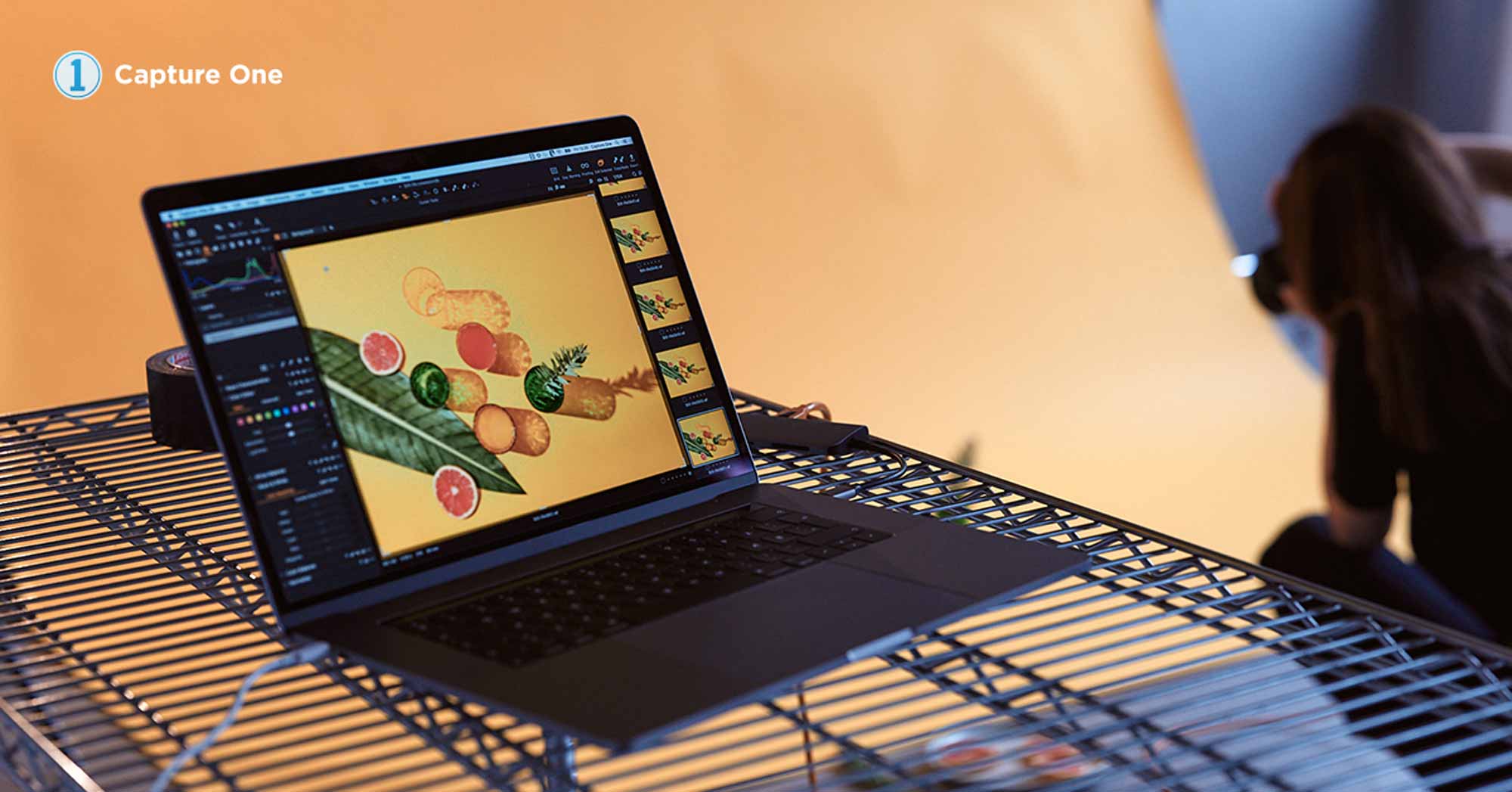
One of my favorite functions. If C1 supports your camera and this also applies to tethering, you can get started. Use a data cable to connect the two, open your catalog or your "Capture" folder within your session and your photos will appear in the program after the shutter release. And if that wasn't practical enough, there is also a live view, which in most cases even allows you to change the focus via the PC. And you can even add a look automatically!
3) Fast workflow
Don't want to spend hours at the computer? Don't want to spend what feels like an eternity selecting and checking 1000 photos? And you want your editing to virtually "run itself"? Capture One is made for this. Tools such as the sharpening mask show you immediately where your focus is. Intelligent albums help with sorting and the storable adjustments/presets let you immediately select looks developed in the past for countless images.
4) Color handling & tools
When you open C1 for the first time and import images, feel free to compare them with your previous program. C1 is programmed in such a way that it spits out colors that are as real and honest as possible. If you want to adjust, change or add colors later, there are many tools at your disposal.
Highlighted in the video are the color editor and the color balance. Insanely magical tools!
5) Masks & layers
I love this option. Brush all kinds of effects onto the areas you want. That's no problem with the layers. You can also use various types of masks such as the radial tool or select luminance areas using the "luminance area" and only edit this area. Never forget - you are working here like in Photoshop, for example, BUT on a RAW! So you can't get more information when editing!

6) Retouching
Since the last update of C1 version 20.1, you now have the repair and copy tool. This means you can save yourself the trouble of using other programs for some images, as you can now simply retouch away blemishes, spots and other things on your layers.
7) Sharpening in C1
Sometimes the most praised tool is the sharpening tool. Compared to many other programs, you can let the values shoot up here without discovering color fringes or the like. The "halo" helps you to reduce crystalline effects caused by high sharpness values without noticeably losing sharpness.
8) HDR slider
Admittedly, we have been wishing for years that C1 could process raw images into HDRs. But until this happens, we enjoy the so-called "HDR". Here you can "save" information and thus visibly brighten or darken details without getting tears, but retain the structures and details. A good tool to test the dynamics of your camera, because the better the chip, the more C1 can get out of it. Try it out for yourself and get the 30-day trial version
9) Export with LIVE preview
As the title says - every program should be able to export. In C1 you can set various values, color profiles, formats, resolution, etc. and display them directly with the "Proof" tool. This saves you having to export and check an image before uploading it to your website.
You can see directly whether your image needs more sharpness, quality or resolution.
10) Working across programs
Capture One is not for solo shows! You can send images from C1 to different programs. You can activate these via the settings and "Plugins". Send your C1-developed image to Photoshop, fine-tune it, save it and C1 will show you your PSD live directly in the catalog/session. The great thing is, now you can re-apply almost any effect from C1 to the image and then do the final export from within the program. The same applies to focus stacking or HDR programs.
Save now!
Capture One offers several versions to suit your camera. And for those who want to learn the software from A to Z and edit great images, we also have Philip's video course"CAPTURE ONE - EASY" in the store. It is the most comprehensive, longest German course