Graphics tablets




Free live consultation
Your individual consultation - from the comfort of your sofa
Arrange appointment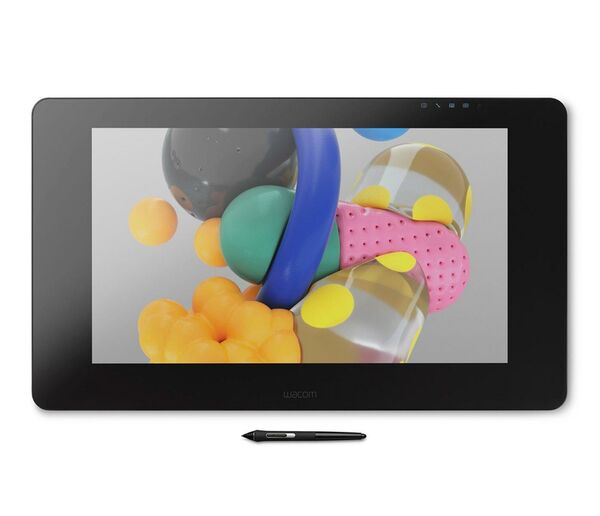

Meaning of the delivery status
Immediately available
The item is in stock and can be shipped at short notice.
The item is also in stock in our shop in Düsseldorf.
Please note: Despite updating our website regularly, it is possible that an item may be out of stock but shown as available for a short time, especially when orders are high. All information is therefore without guarantee. We will inform you immediately if there is a delay in the expected availability/delivery time. The availability information refers to an order quantity of 1. Availability may vary for higher order quantities.
Delivery time (from-to) working days after receipt of payment
The item is not in stock in our inhouse warehouse and will be ordered from the external warehouse/manufacturer or disributor after you have placed an order. The expected delivery time is listed with the item.
Please note: Despite updating our website regularly, it is possible that an item may be out of stock but shown as available for a short time, especially when orders are high. All information is therefore without guarantee. We will inform you immediately if there is a delay in the expected availability/delivery time. The availability information refers to an order quantity of 1. Availability may vary for higher order quantities.
Item has been ordered
The item has already been ordered from the manufacturer or distributor. The delivery time is usually between 1 week and 2 months. As soon as a more precise delivery time is known, we will publish the details on our website. After placing the order, you will be informed regularly about the delivery time.
Available at a specified date
The item has already been ordered from the manufacturer or distributor. We have been informed of the expected delivery date.
We are happy to order for you
The item is currently not in stock and will be ordered for you from the manufacturer or distributor after you have placed an order. The delivery time is usually between 1 week and 2 months. After placing the order, you will be informed regularly about the delivery time.
Item has been ordered. Delivery time 1-3 months
The item is currently not available. We were not given a delivery time. Experience shows that the expected delivery time is 1-3 months.
Goods have been ordered. Long delivery time expected. Pre-order now and secure your place on the waiting list.
The manufacturer or supplier cannot confirm a date, so we assume a waiting time of 2 to 9 months. You can still order the item and secure your place on the waiting list.
Delivery alarm
You would like to be informed as soon as the item is in stock?
Notification when the product is back in stock No reservation and no place on the waiting listYou want to reserve the product?
Order now, pay later (prepayment) Notification when the product is back in stock Product reservation and fixed place on the waiting list Cancellable at any time free of charge (until delivery)Advantages of a graphics tablet
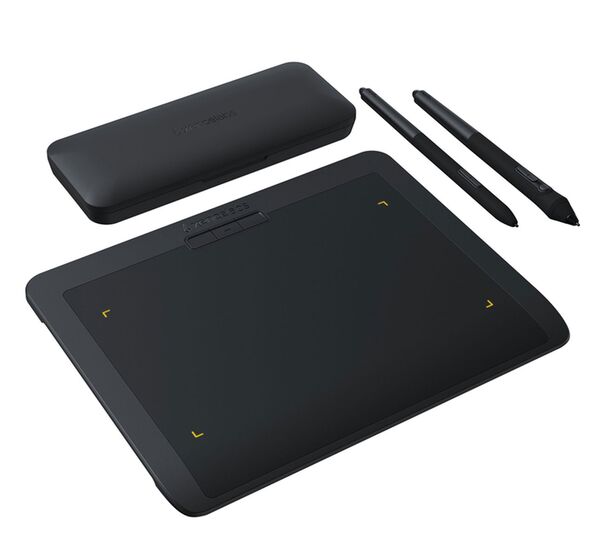
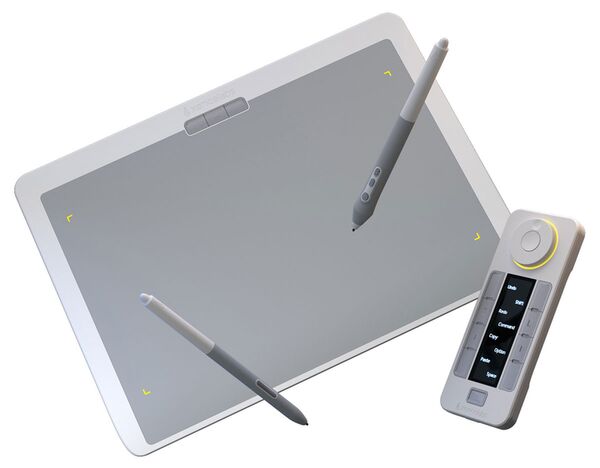
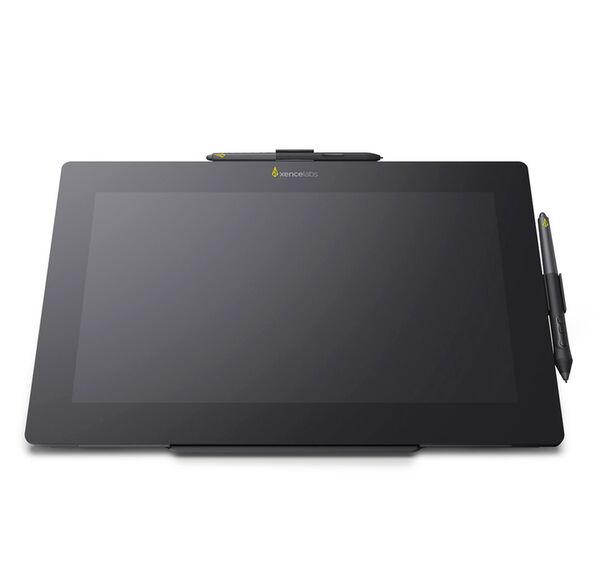
A graphics tablet is a tool that is used to create digital drawings and paintings, but also to post-process images/photographs, especially in portrait photography. It consists of a tablet and a pen and allows the user to draw directly on the tablet instead of working via a mouse or trackpad. Here are some of the advantages of a graphics tablet:
- Natural operation: with a graphics tablet, the user can draw directly on the tablet, allowing for a more natural and intuitive operation similar to that of paper and pen.
- Precision: The pen of the graphics tablet allows the user to create very precise lines and details, which is particularly advantageous for fine work.
- Flexibility: Graphics tablets are very flexible and can be used for a variety of tasks, from creating drawings and illustrations to retouching photos and creating digital artwork.
- Pressure sensitivity: Graphics tablets usually have pressure sensitivity, which means that depending on how hard you press the pen on the tablet, different line widths can be achieved, expanding the possibilities of artistic expression.
- Time Saving / Workflow Optimization: Because graphics tablets are digital tools, they allow the user to create and edit work faster by offering the ability to create and edit multiple layers, as well as the ability to automatically save work.
How to use a graphics tablet in photography?
A graphics tablet can be used in photography in a number of ways, some of which include
- Retouching: a graphics tablet can be used to retouch and edit photos by using it to apply tools such as the brush, clone stamp and selection tools directly on the photo.
- Compositing / Composing / Digitital Art: A graphics tablet can be used to stitch multiple photos together to create complex composites by using it to edit the layers and masks directly on the screen.
- Painting effects: A graphics tablet can be used to make photos look painterly or graphic by using it to apply digital brushes and colors directly to the photo.
- Lettering and typography: A graphics tablet can be used to create lettering and typography directly on the photo by using it to edit fonts and text sizes directly on the screen.
- Hand sketches: A graphics tablet can be used to create hand sketches and designs directly on the screen, which can then be used in the final edit.
It is important to note that a graphics tablet is not absolutely necessary to perform these tasks, but it can make the work easier and improve the results, as it allows for a more natural and intuitive operation and enables more precise results.