Well planned is half edited: 5 tips for better pictures
From the new snapshot: "Behind the Scenes"
Anyone who takes photographs knows that the work is far from done when the shutter release is pressed - it often only really begins after the shoot. The resulting material has to be viewed and in many cases corrected again. After all, the lighting situation is not always ideal, the horizon straight and the subject perfectly framed. Of course, this can never be completely avoided, but there are a few things you can do to reduce the effort involved in post-processing. The following checklist will help you. Even if most of the things seem obvious, you don't always pay attention to them.

1. Prepare yourself well
When it comes to photo shoots, good planning is often half the battle:
-
Gather initial ideas and, if necessary, develop a theme for the shoot
-
Coordinate with everyone involved in advance
-
For outdoor shoots: take a look at the weather forecast, use an app to determine the position of the sun if necessary and use Google Street View / Earth, for example, to get to know the location beforehand
-
Familiarize yourself in advance with new techniques or functions of your camera that you would like to try out
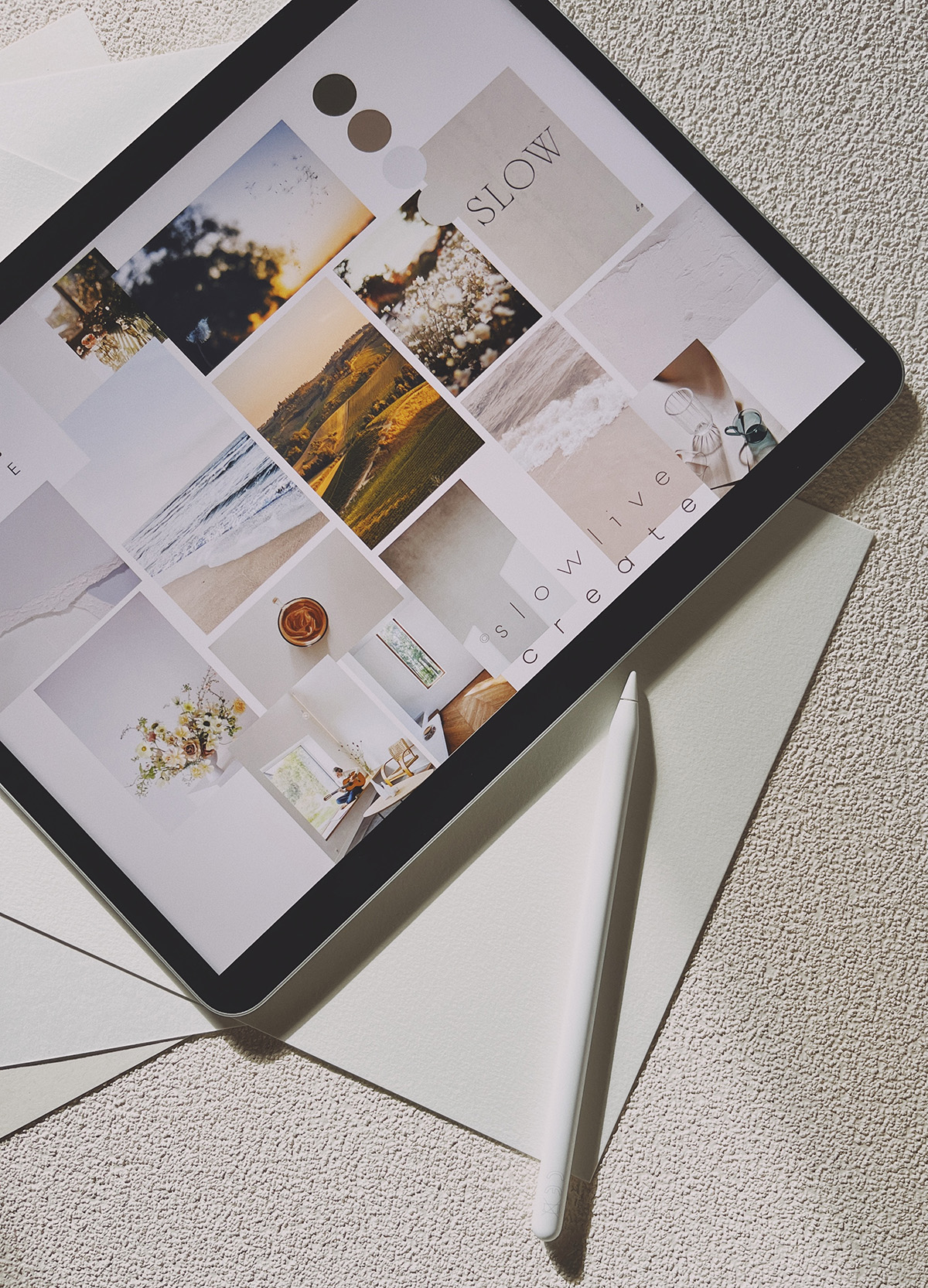
A little extra tip: A mood board can help you to gather initial ideas and plan the shoot more precisely.
2. Check your equipment
Before you start shooting, you should definitely check your equipment:
-
Are all the batteries charged and the charger packed?
-
Are all memory cards empty?
-
Are all camera settings correct?
-
Is the sensor clean?
-
Have the front lenses of the lenses been cleaned?
-
Are all filters packed?
-
Are the necessary accessories (e.g. flash, reflector, remote release, cleaning kit or rain cover) included?
A little extra tip: more is more, especially when it comes to batteries and memory cards.
3. Check the composition
If you have a little freedom of movement on location, take some time to check the composition before taking the shot:
-
Is the framing interesting?
-
Is the horizon level? (many cameras have a digital spirit level)
-
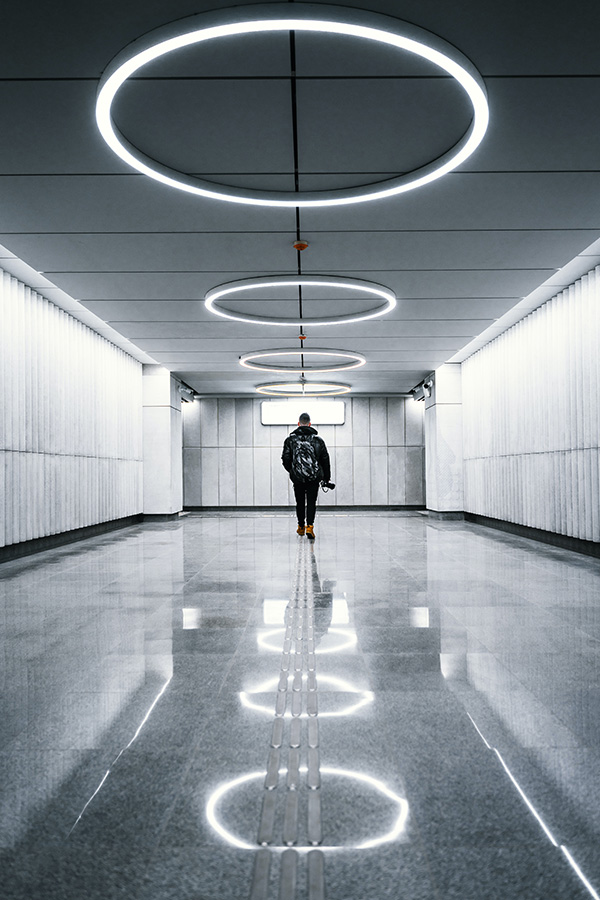
Are the symmetries correct?
-
Is the overall composition coherent?
A little extra tip: Be brave and dare to try out different or unusual perspectives and develop your own style.
4. Pay attention to the little things too
As well as looking at the big picture, you should also pay attention to the little things in the image. These can make a real difference and often cause a lot of work in post-production:
-
Are there any distracting elements, such as garbage cans or signs in the background?
-
Can anything be improved overall?
-
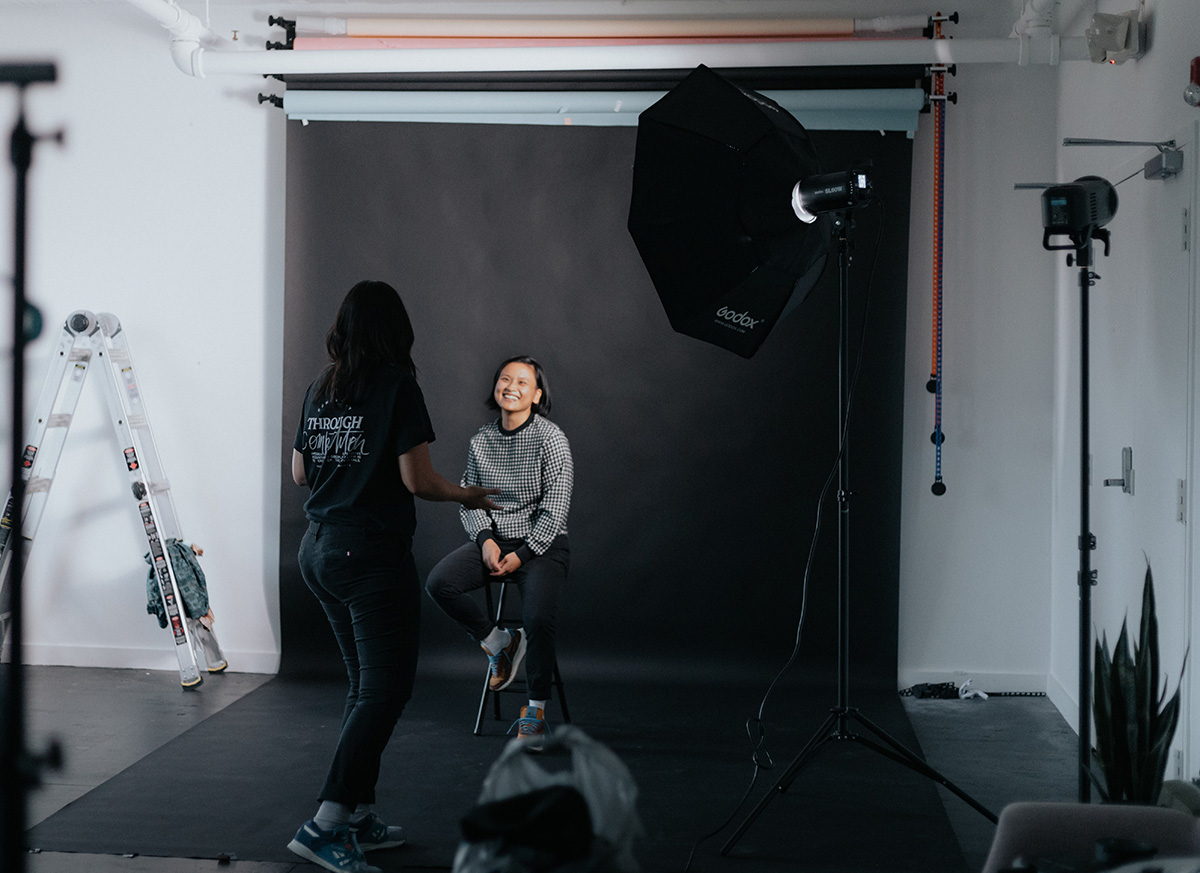
When shooting with a model:
-
Is the model's clothing free of stains and wrinkles?
-
Is the styling appropriate (is the hairstyle right, does the make-up match the theme,...)?
-
Are even small details right (are there unsightly marks from clothes that are too tight?, is there a forgotten hair tie on the model's wrist?)
-
Is the pose correct (right down to the fingertips)? If necessary, give small instructions and help the model to find the right pose
-
Communicate regularly with the model and create a relaxed atmosphere
-
A little extra tip: Involve other people (such as the model's companion). They will be happy to help you set up the equipment and can keep an eye on certain small details.
5. Check the image on site
Better safe than sorry: Even if you have already checked everything in advance, you should check from time to time whether the pictures look the way you imagined them:
-
Is the exposure correct? (If in doubt, also take slightly underexposed/overexposed shots)
-
Is the white balance correct? (If you are shooting in RAW, you can still change this in post-processing, but it will help you in the editing process if you try out directly which white balance you want to use)
-
Is the ISO setting correct?
-
Is the image sharp and is the focus set correctly?
-
Are there really no sensor spots?
-
Is there any image noise?
-
Is the overall composition as desired?
-
Is the model's facial expression correct?
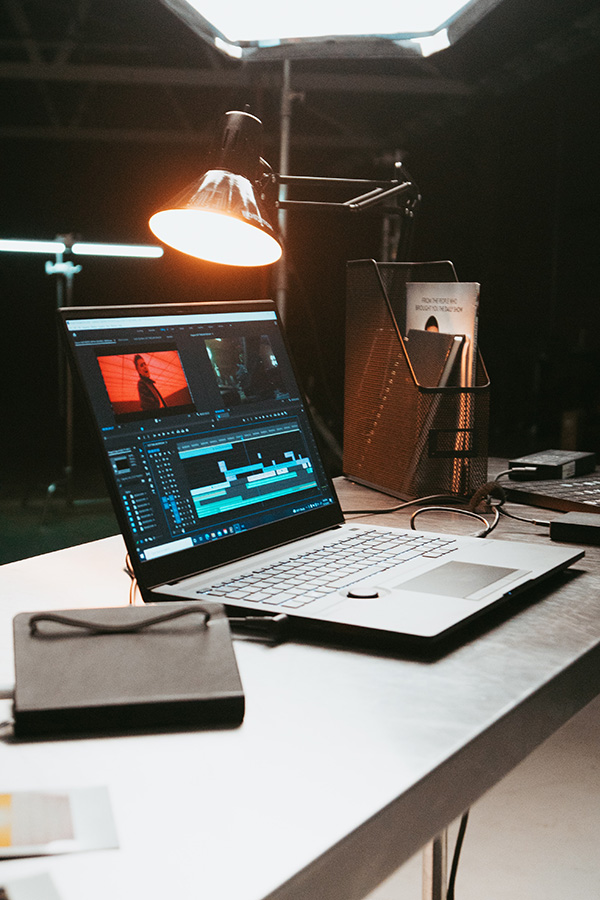
A little extra tip: An external monitor or other device, such as a tablet or laptop, is ideal for this second look.