
Photographing the Milky Way the right way
Reading time: 7 minutes - April 07, 2020 - by Delil Geyik
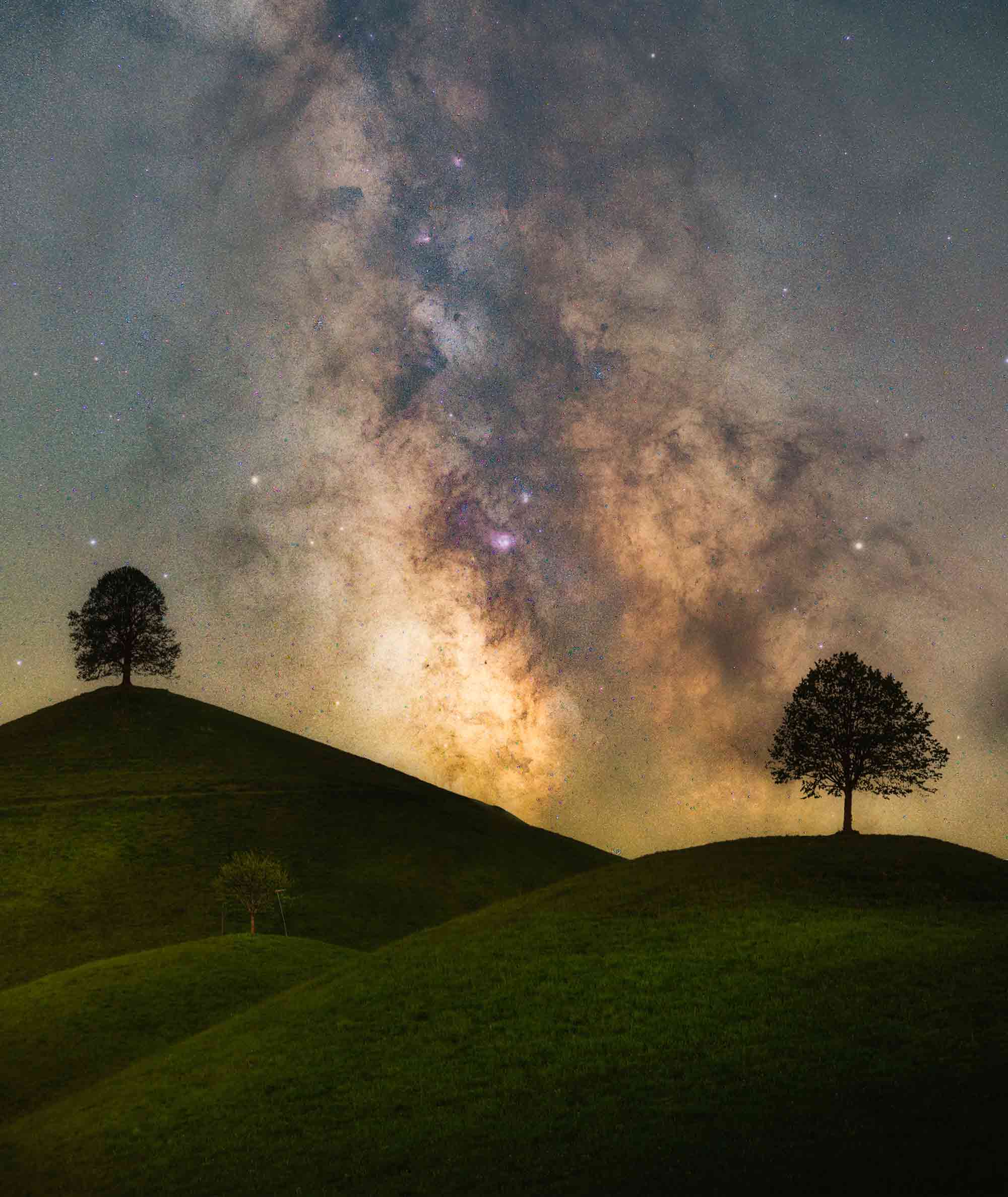 Sony A7 III | Carl Zeiss 55mm 1.8 | Fornax Mounts LighTrack Foreground f8, 25 seconds, ISO 200 | Background f3.5, 2 x 120 seconds | ISO 800
If you want to look at the stars at night at your place of residence in Central Europe, you will probably discover only a handful. I'll show you how you can immortalize the entire Milky Way in your photos right away. Landscape photos should first and foremost do one thing: fascinate. When the viewer's gaze gets lost in the vastness of the motif and he starts to dream, the photographer has achieved his goal. Of course, this succeeds not only during the day, but also at night, when a sea of stars covers the sky. The Milky Way, also called the Galaxy, is a special highlight for photographers, romantics and scientists - and has been for thousands of years. The very name galaxy points to a long history of stargazing. It is derived from the Greek word "g?la" which means milk. The ancient Greeks believed that there was a kind of divine milk flow in the sky. in 1609, the polymath Galileo Galilei was the first to recognize that the Milky Way consists of countless stars: Astronomers estimate that about 100 to 300 billion stars twinkle in the glowing band in the sky.
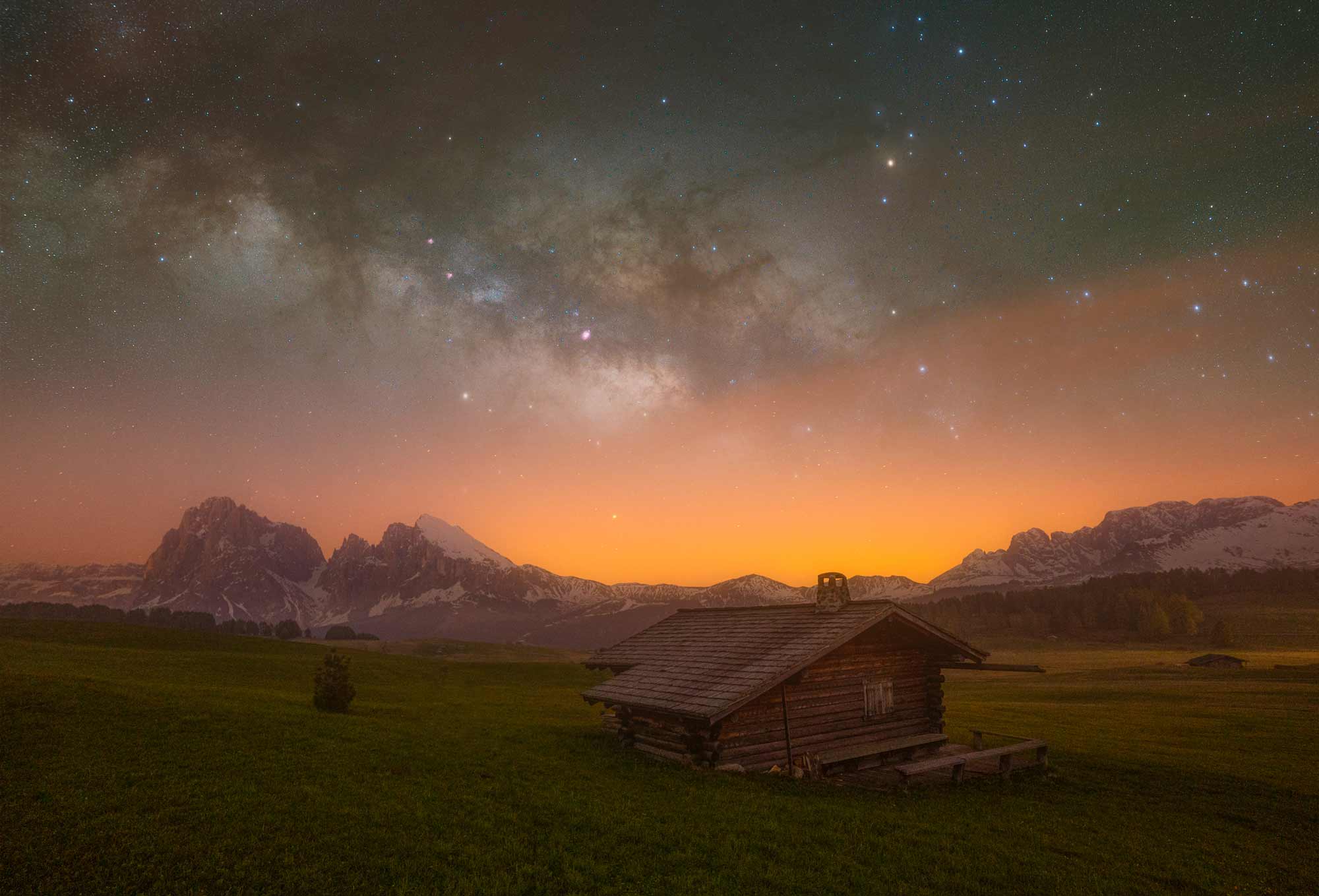 Sony Alpha 7 || ZEISS Batis 18mm 2.8 Background: f-number: F2.8 Exposure time: 30 sec ISO 1200 Foreground Blue hour: f-number: F3.5 Exposure time: 30sec ISO 2000 Focal length: 18mm
Where can you find the Milky Way?
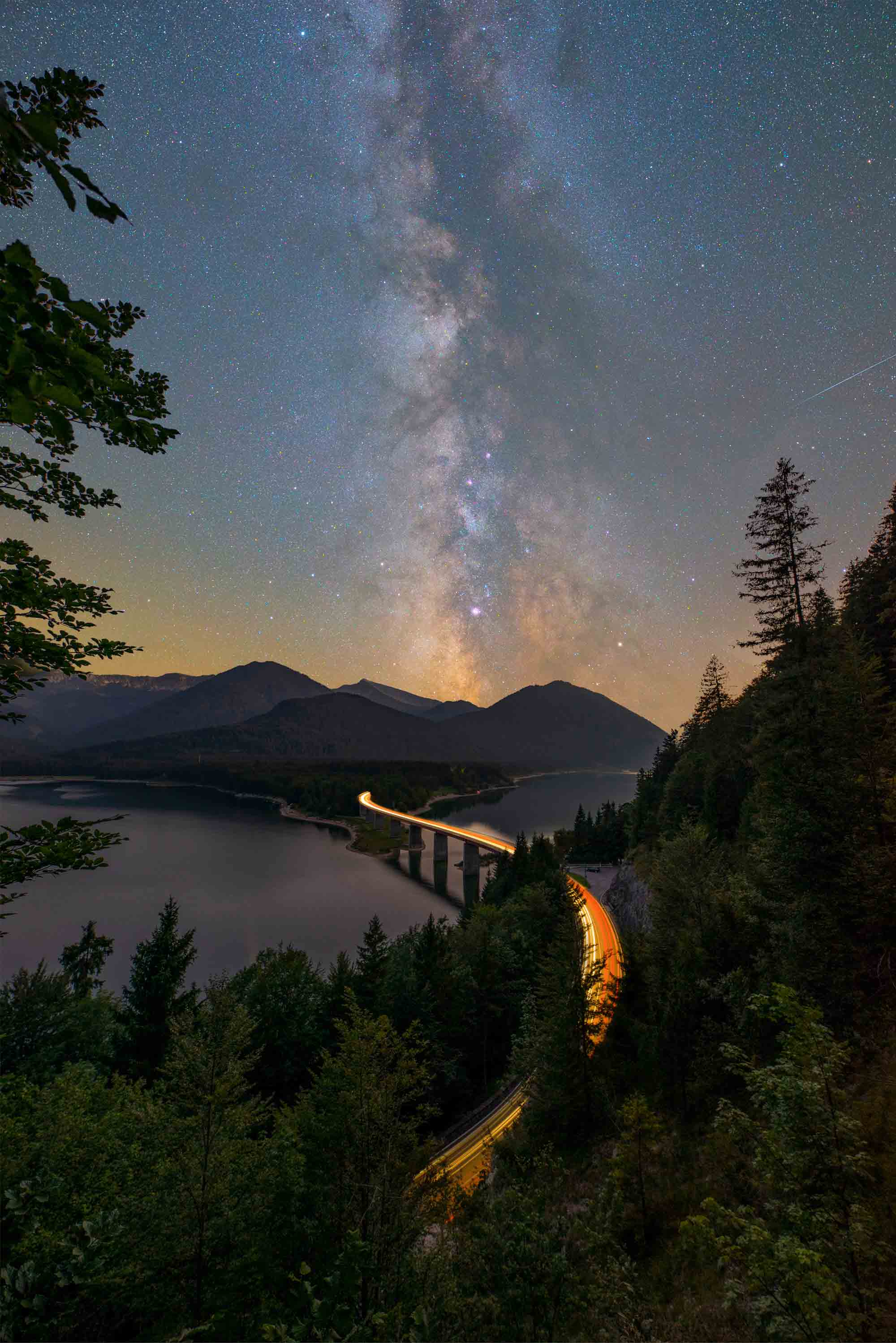
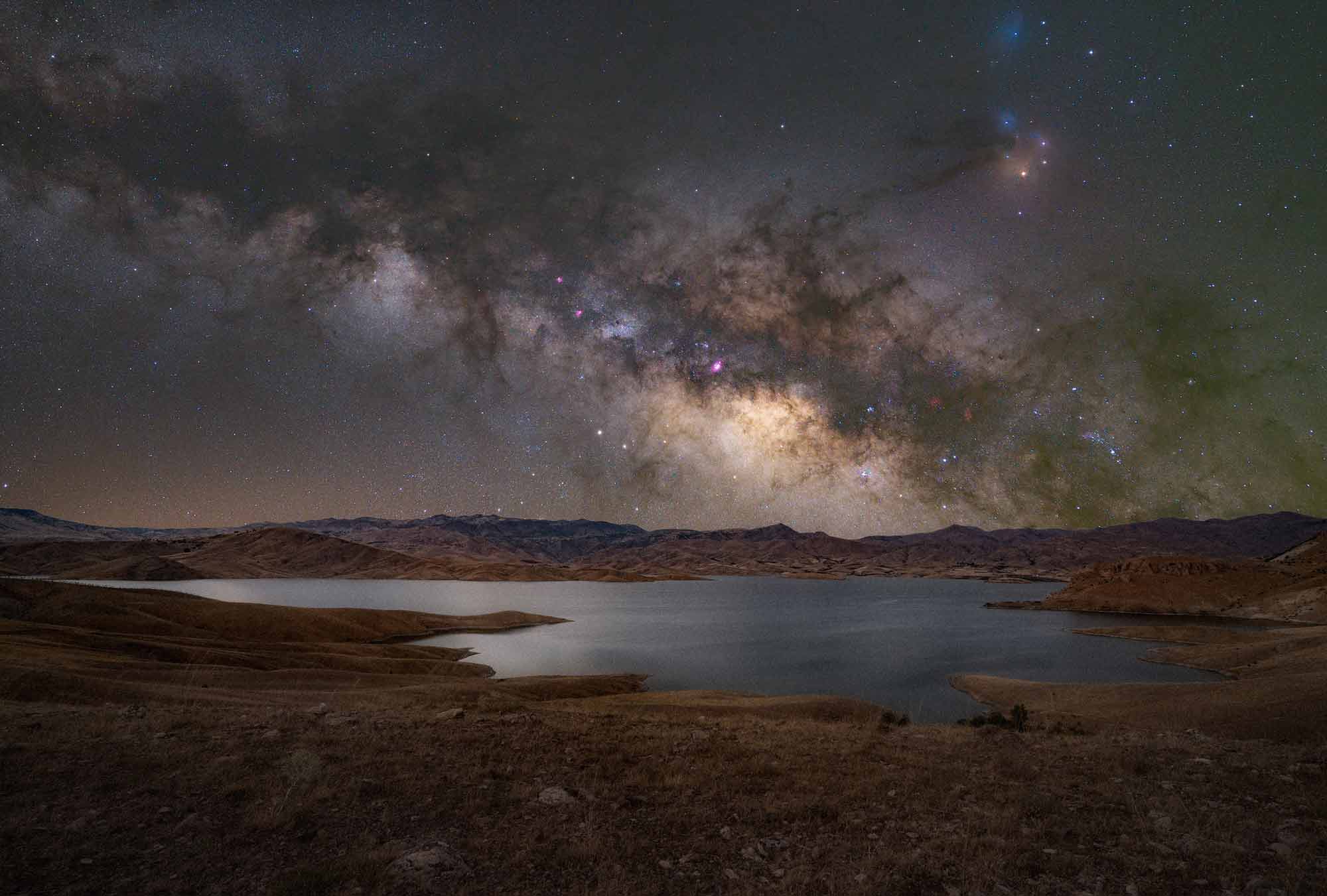
This year, the center of the Milky Way will appear on the horizon again, in the northern hemisphere. You can observe it between March and September. How long the galaxy is above the horizon depends on the longitude and latitude of your location. But the best time to observe it is the summer. Here the Milky Way moves from north to south and the constellations Perseus, Cassiopeia, Swan, Eagle and Sagittarius can be seen. Where exactly in the firmament you can discover the Galaxy and the constellations, you can find out with the help of digital planetariums like Stelarium. The free software with its database of about 600,000 stars allows you to locate the Milky Way and individual stars specifically and thus plan your astro-shooting. By the way, the software is also available as a paid app for Android and iOS, so locating on the go is no problem.
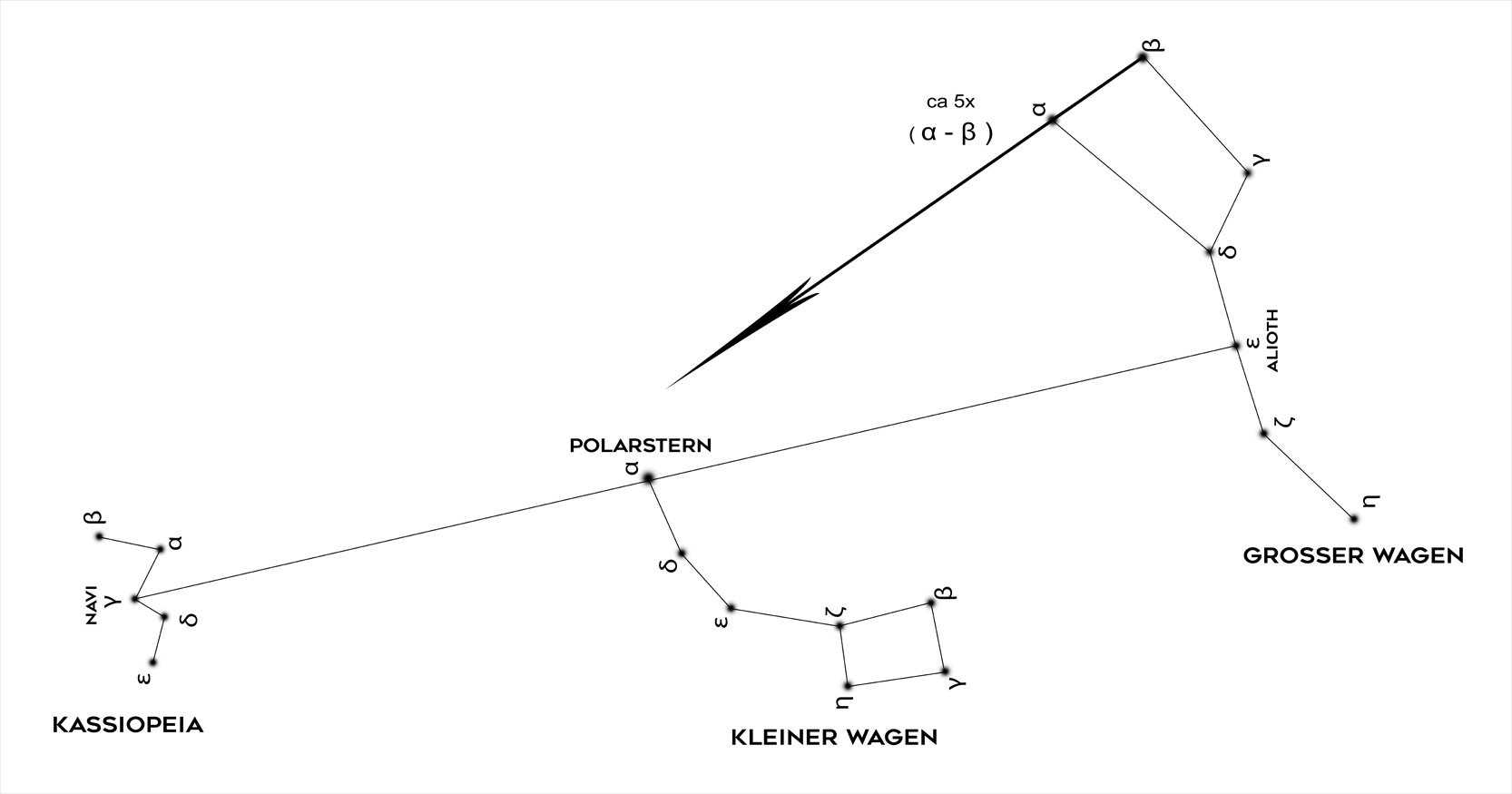
If you extend a straight line by about 5 times the distance between Beta and Alpha at the Big Dipper, you get close to Polaris. If you extend a straight line through the middle star (Alioth) of the Big Dipper by Polaris, you get pretty close to the middle star of the constellation Cassiopeia (Navi). Cassiopeia lies in its longitudinal alignment directly in the Milky Way.
 Delil Geyik
Light pollution and weather
To be able to observe the Milky Way, a dark environment or a sky without light pollution is the most important criterion. Helpful is the app "Planit! for Photographer" which displays the intensity of light pollution for selected regions. At the same time, you can use it to determine when the new moon phase begins. This is because the moon reflects the light of the sun, making it difficult to observe the Milky Way. Apart from its strong features for Milky Way photography, Planit is an all-rounder app for landscape photographers. However, weather also plays a crucial role in Milky Way photography. After all, you need a clear view of the stars many light years away, and that's where passing clouds get in the way. The weather can't be changed, and all you can do is study weather maps and wait for the right moment. The best apps for photographers Especially in astrophotography, photographers should prepare well for their shoot. These two programs help with that. Planlt! for Photographers is a paid app for iOS and Android. At around 10 euros, it seems rather expensive. But there's a lot in the app: for example, you can view light pollution and the course of the sun and moon. Stellarium is an open source planetarium for your computer. It shows a realistic 3D sky as you can see it with the naked eye, binoculars or telescope. The software is available for free for Linux, Mac and Windows at stellarium.orq or for a fee as an app for iOS and Android.
Which camera do you need?
To capture the Milky Way on the sensor, you need to shoot in a place with an unobstructed view and little light pollution. Normally, you would now expose for several minutes so that the faint light of the stars becomes visible in the photo. However, the Earth continues to rotate during the exposure and the celestial bodies begin to blur in the photo. In this respect, a camera that produces little noise even at high ISO values is advantageous. You can increase the ISO for a stronger light sensitivity and thus shorten the exposure time to 1/4 or even 1/125 second, but you should not overdo it with the ISO value, because at some point every camera starts to produce noise. And the more noise there is, the less detail the shot will show.
Use fast lenses
To capture as much of the night sky as possible, I recommend using a fast wide-angle lens. Also, a wide angle makes for sharper images. As just mentioned, the stars seem to move across the night sky due to the Earth's rotation. And the longer the focal length, the stronger this effect. While at 16 mm (KB) and an exposure time of two seconds you will hardly be able to detect any movement in the photo, at 200 mm (KB) the movement will be clearly visible. Thus, you can also expose longer with a wide angle, because the movements of the stars will not be visible immediately. Also, make sure that you use a very fast lens. This is because the wider you can open the aperture, the more light reaches the sensor. This in turn allows you to use shorter exposures and avoid motion blur caused by the wandering stars. Initial apertures of f/2.8 should be the minimum.
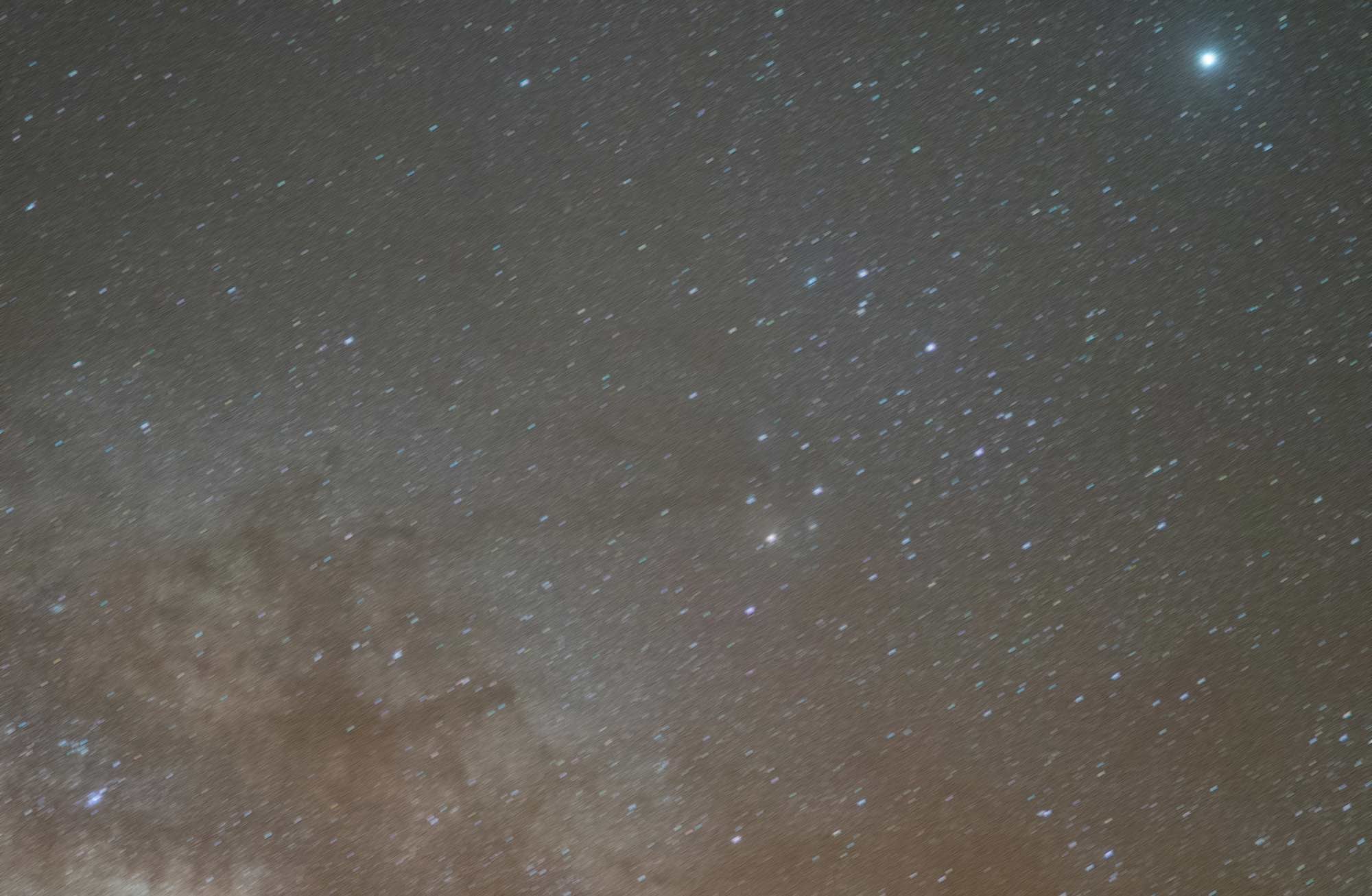 Wrong exposure | focus not seated F2.0, 8 seconds, ISO 2400, Sigma Art 24mm 1.4
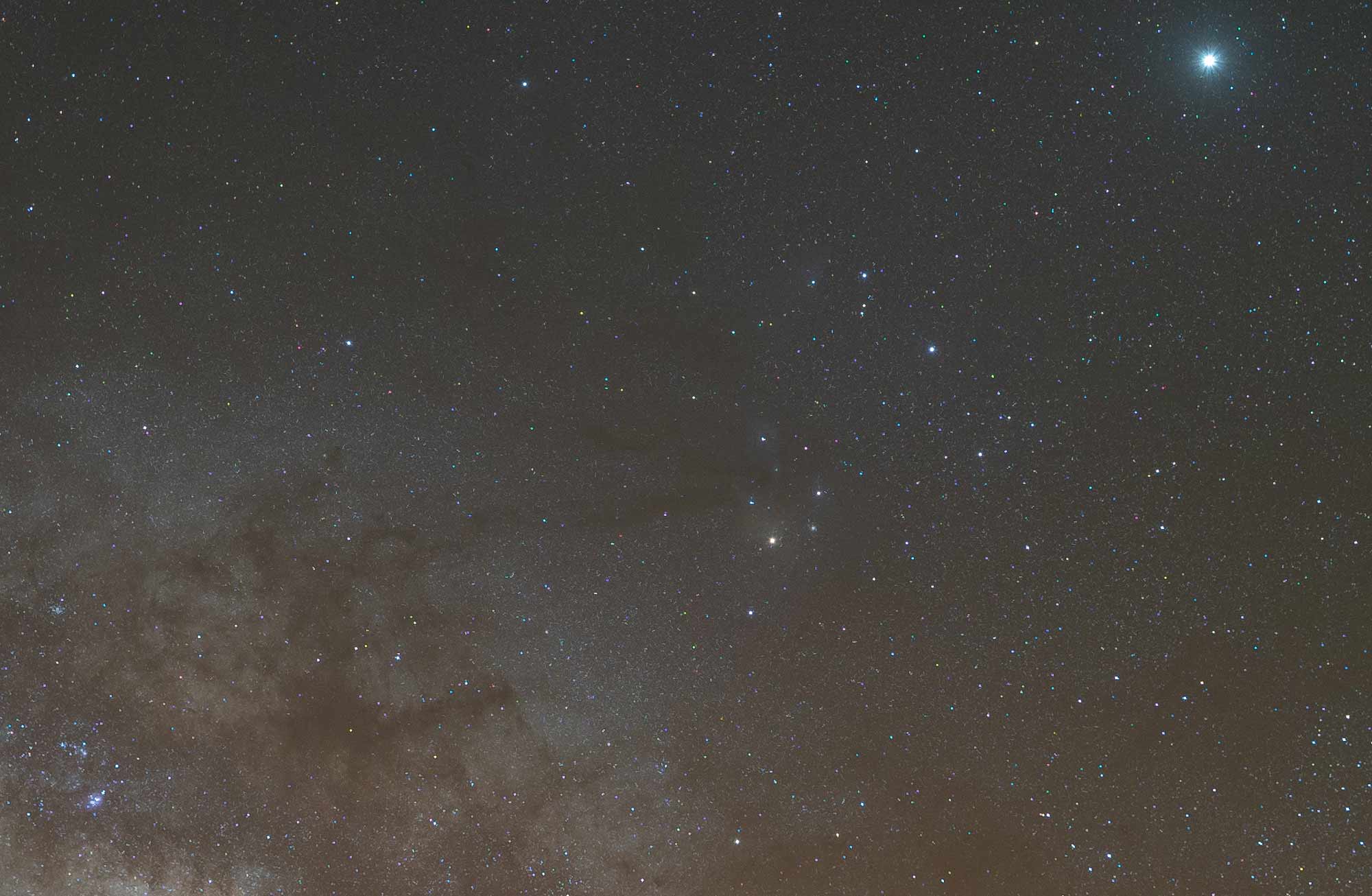 Optimal Exposure | Correctly Focused F2.0, 8 seconds, ISO 2400, Sigma Art 24mm 1.4
Crisp Milky Way
A stable tripod is indispensable for imaging stars as sharply as possible. Its design and construction should guarantee that it stands absolutely securely even in windy conditions during an exposure time of 30 seconds. In addition, you can use a remote shutter release so that you do not have to touch your camera to release the shutter. It is not absolutely necessary, because basically every camera has a built-in self-timer function. So after pressing the shutter button, a short period of time passes before the camera then takes the picture. Furthermore, sharp pictures depend on focusing, which should always be done manually. To do this, turn on the live view function of your camera and zoom in on a bright and conspicuous star. Now slowly turn the focus ring. The size of the star should change as a result. Since the right sharpness is somewhere between small and large, take your time when focusing and only turn the ring slowly until the perfect sharpness is found. Then zoom out again in Live View. If your display image then looks like the photo on the top left, the focus is not yet in place. If, on the other hand, it looks like the example image below, you can start taking pictures.
Camera preset
1. Mirror lock-up: To avoid even the slightest blur, activate the mirror lock-up on a DSLR.
2. image stabilizer: If you are working with a tripod, the image stabilizer in the camera as well as the one in the lens is superfluous. So turn them both off.
3. Noise Reduction: To avoid longer waiting times between two photos, always turn off the in-camera noise reduction at night.
4. Autofocus: To gain full control over the sharpness of the image despite the difficult lighting conditions at night, turn off the autofocus and focus manually.
5. RAW format: To be able to achieve the best possible post-processing later, always shoot in RAW format. This is because no image information is lost in a RAW file.
6. Manual mode: Always make all settings manually for astrophotography. Therefore, use the "M" mode.
Start with the following settings
For the first photo, set your camera to ISO 3,200 and then choose an aperture of f/2.8 or more open. Since you can't rely on the light meter under such difficult conditions, it's best to start with two seconds of exposure time and take a test photo. If it turns out too dark, lengthen the exposure time or increase the ISO. If it's too bright, set a shorter exposure. This way you can get closer to the perfect exposure. Also, always shoot in RAW format. Then you can still adjust the white balance afterwards and correct the exposure to a certain degree. Final finishing of the images Raw files often look nebulous and, as with any image processing, the user has the freedom of design. Those who like their images to reflect the nighttime scenario are more likely to prefer subtle coloring. However, if you want to present yourself to the public with striking scenes, you can't avoid turning the sliders for contrast, color and saturation. Important: You have to like the picture, so it is perfectly permissible to play with the colors a bit.
More pictures of Delil Geyik, you can find on his website, Instagram or Facebook channel.