
Deep discharge of batteries in cameras, drones & flashes
It often happens that you assume that a battery has been deeply discharged. This is now rarely a problem, as most batteries have a built-in protection that always retains a certain amount of residual current in the battery to ensure that the battery can be stored for several weeks/months. In most cases, if you suspect a problem, you should first allow the battery to fully charge overnight or during the day. Most modern batteries have protective mechanisms that protect them from an actual deep discharge; we will explain how these work in the course of the article.
What happens during a deep discharge?
You may be familiar with an analogy to a car battery. When you try to start the engine, the starter motor only twitches briefly. After that, everything fails. The battery voltage drops below 11.8 volts and the battery is deeply discharged.
A similar phenomenon occurs with your smartphone. The ideal operating range of a lithium-ion battery is between 80 % (full) and 20 % (empty). Of course, you can continue to use the battery below 20 %, initially without any major consequences.
However, there is a critical threshold below which your device can no longer be supplied with energy. If you continue to discharge the battery anyway, this is referred to as deep discharge.
Interestingly, this threshold is referred to as the final discharge voltage. In some battery types, this can even lead to irreversible damage. To avoid this, it is essential to know the correct care and handling of your batteries.
You should also take into account the self-discharge that occurs if your battery is left unused for too long.
When is a battery deeply discharged?
A deep discharge is easily noticeable if the battery has been charged for hours. However, the device no longer works. Both the smartphone battery and the car battery can be affected by a deep discharge. Every electronic device can suffer from deep discharge, including camera batteries.
Depending on the type of battery, a discharged battery often displays a low voltage or only functions to a limited extent. It is possible to measure the voltage with a multimeter.
Protective circuits of rechargeable batteries explained
Lithium-ion battery packs have become an integral part of our daily lives. Whether in smartphones, laptops or electric vehicles, these powerful batteries supply our devices and vehicles with energy. But how do we ensure that these battery packs work efficiently and safely? This is where the protection circuit comes into play.
What is a protection circuit?
A protection circuit is a crucial component in lithium-ion battery packs that is responsible for the safety and lifespan of the battery. Its main task is to protect the individual cells of the battery pack from various potentially damaging scenarios. These include overcharging, deep discharge, excessive current drain and short circuits.
How does the protection circuit work?
The protection circuit consists of a series of electronic protection devices that are closely linked to the individual cells of the battery pack. If the protection circuit detects that one of the cells is exposed to a risk, it intervenes immediately and electronically disconnects the affected cell from the load. This prevents the problem from spreading to other cells and damaging the entire battery.
Protection against overcharging
Overcharging is one of the most common causes of battery failure. If a cell is operated at too high a charge voltage for a long period of time, this can lead to dangerous chemical reactions and, in the worst case, to a fire or explosion. The protection circuit detects excessive charging and interrupts the charging process in good time to prevent damage.
Protection against deep discharge
Deep discharge means that the battery is discharged to such an extent that its voltage falls below a critical value. This can irreversibly damage the cells and lead to a permanent impairment of battery performance. The protection circuit monitors the charge level of each cell and disconnects it from the consumer as soon as it detects that the charge level is too low.
The role of battery management systems
In addition to the protection circuit, many lithium-ion batteries use so-called battery management systems (BMS). These intelligent systems go beyond the basic functions of the protection circuit and collect a wide range of data to optimize the performance and service life of the battery.
Monitoring the charge level
The BMS monitors the charge level of each cell and ensures that all cells are charged evenly. This helps to maximize the battery's capacity and prevent uneven ageing.
Temperature monitoring
Overheating can be extremely damaging to lithium-ion batteries. The BMS therefore monitors the temperature of the cells and intervenes if necessary to prevent overheating.
Performance optimization
By analyzing data, the BMS can optimize battery performance and reduce energy consumption, resulting in a longer service life.
Transport & storage to the retailer
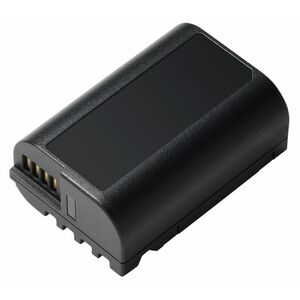
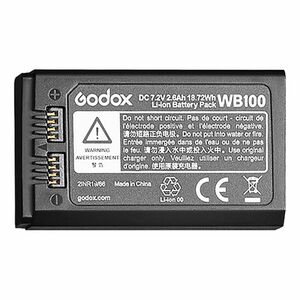
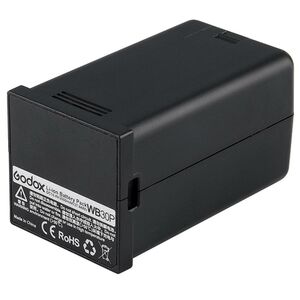
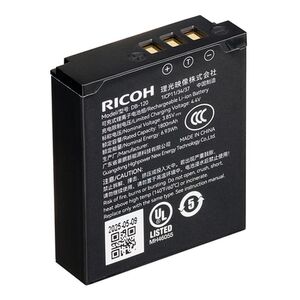
We are happy to offer a practical example from our everyday life as a specialist photographic retailer. We often receive goods from the industry after transfer from Japan, Taiwan and the like, which are delivered to us without any further detours. We cannot check each battery individually to see if it is still charged. The quality and technical measures integrated by the manufacturers now protect the batteries very reliably against incorrect storage and other external factors, which protects the service life of the camera batteries. Batteries from third-party manufacturers sometimes save on precisely this technology in order to reduce costs.
Tips for storing batteries
If you want to use your batteries for a long time, you should consider the most important factors for storage:
- A storage temperature of 15-25?C is ideal.
- Charge the battery again before storing it for a long time
- Avoid moisture, ideally put some silica bags in your camera backpack and battery bag
- Remove the battery from cameras or flashes
- Use the settings in the cameras to care for the batteries (Sony: Battery care settings; Canon: Battery charge info; Nikon: Battery diagnostics)



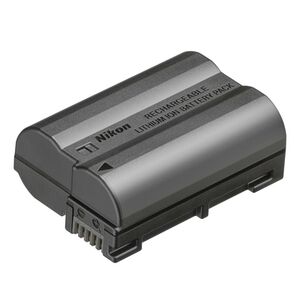

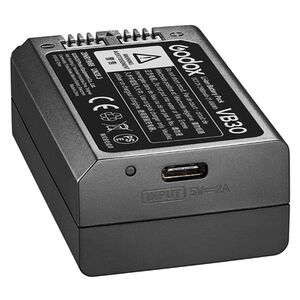
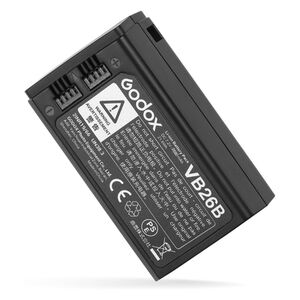

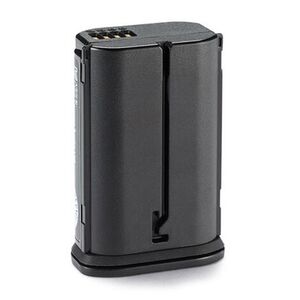



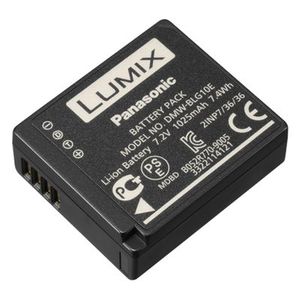
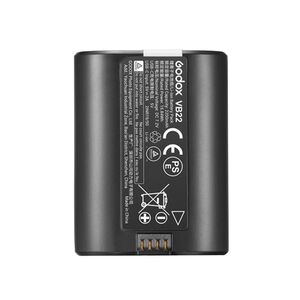

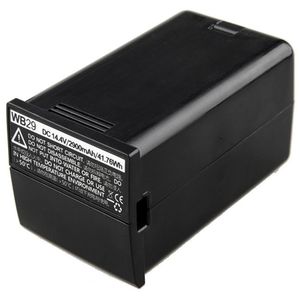
Reference from Sony to the deep discharge of your batteries:Inhalte von Sony More articles in the blog