How to take the perfect family Christmas photo
We often want to capture the best time of the year in a picture as a memento. But it's not so easy to get the whole family in the picture To make things better this year, we have a few tips for you today. Download quick guide + Checklist as PDF


The location
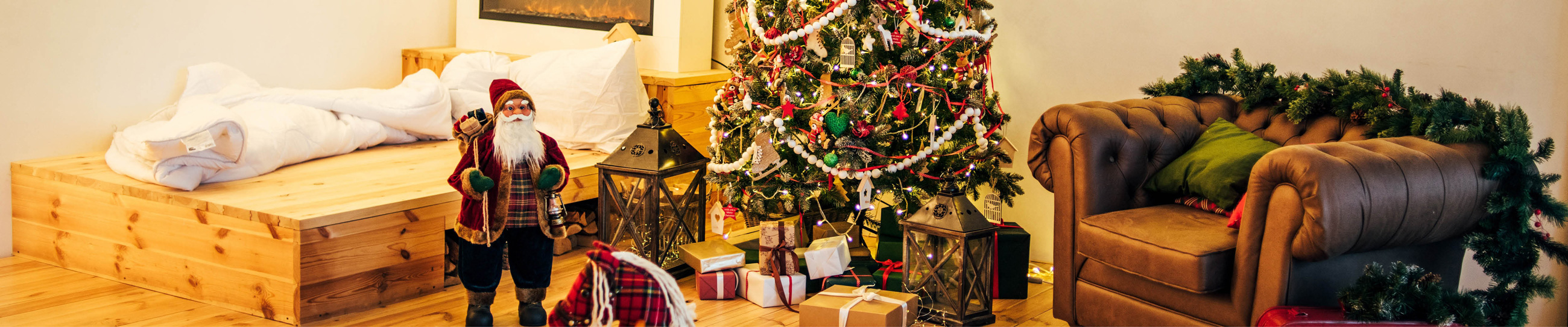
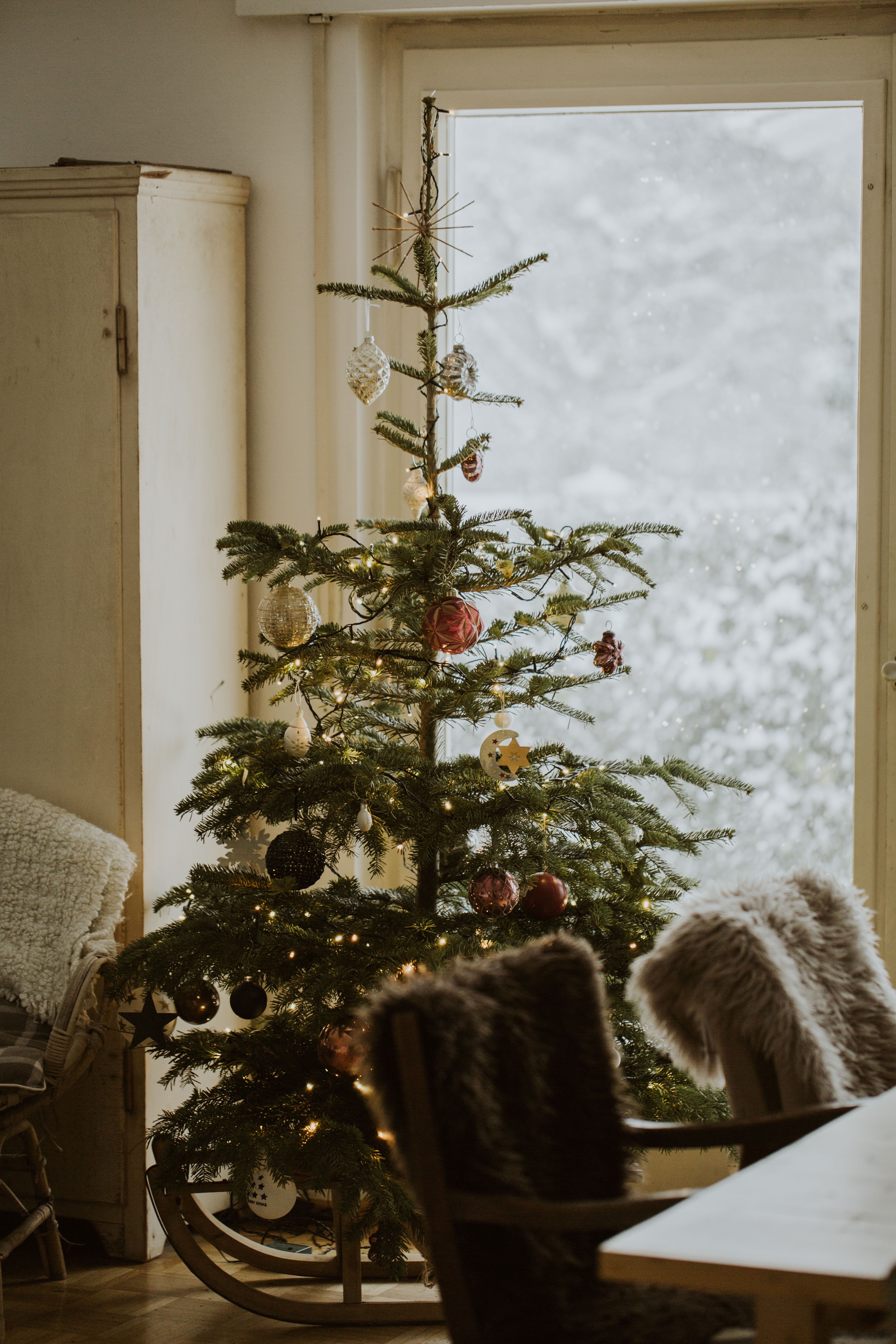
The location has a big influence on your photo. Of course, the Christmas photo can be taken anywhere. While ice skating, at the Christmas market or on vacation. It's usually easiest at home in your own four walls, because that's where you can best prepare for the photo. Choose a room that is large enough and has a cozy lighting atmosphere. The living room is perfect for this. An illuminated Christmas tree and other Christmas decorations create a fairytale setting. The background should be uniform and not distract too much from the people.
The light
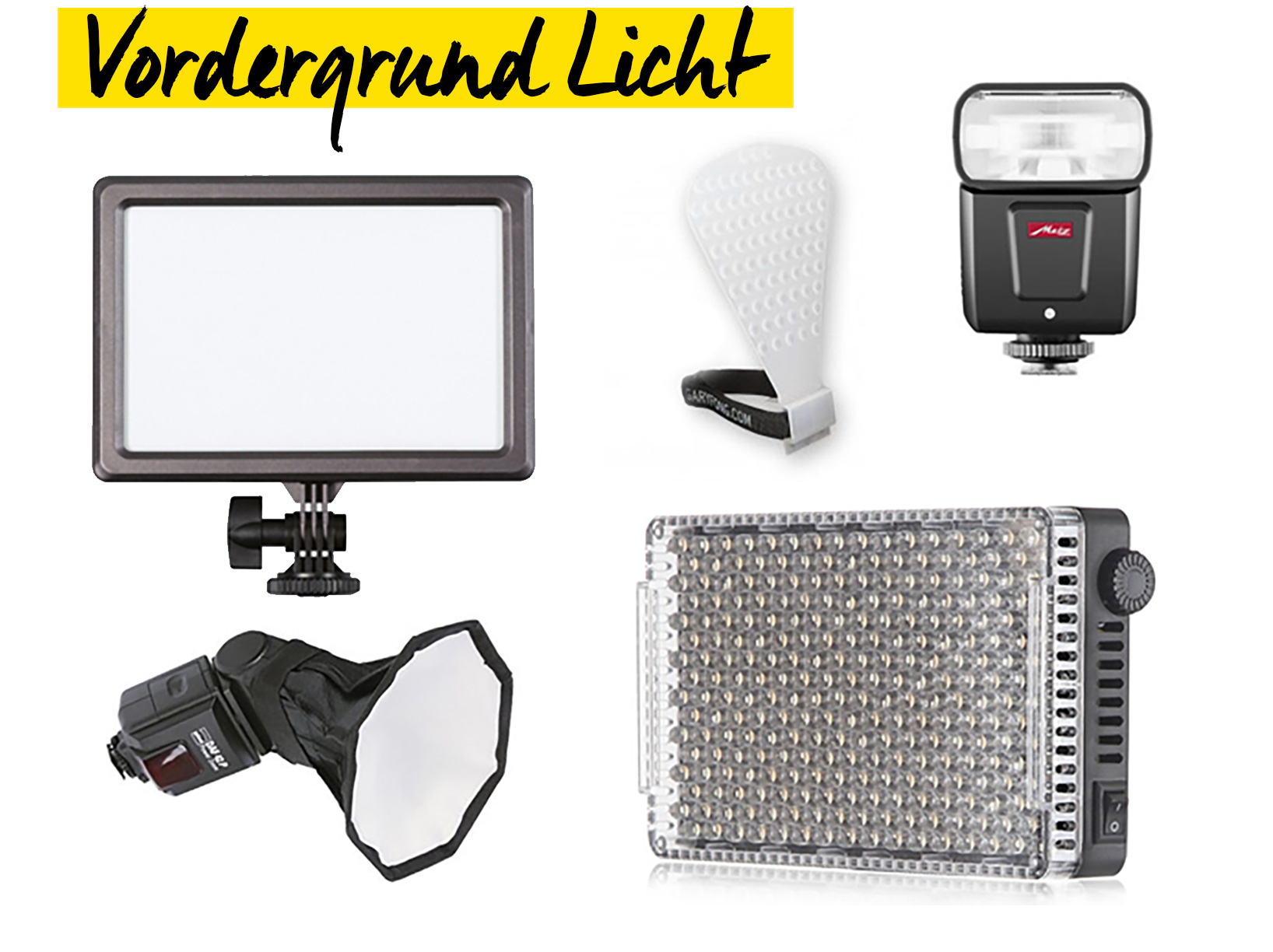
Use low light sources to create a cozy atmosphere. Fairy lights or a chic floor lamp are perfect for the background. This type of lighting is called practical light. You can use either flash or continuous light to illuminate the main subject. Carefully adjust the light intensity in the foreground and background beforehand, otherwise it will quickly look unnatural. Use flash with extreme caution and ideally only indirectly or with light shapers. These are also available for clip-on flashes. If you want to work very professionally, you can also use several flashes with softboxes Continuous light
Flash units
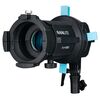
Light shapers for clip-on flashes
The technology
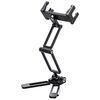
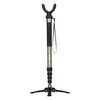
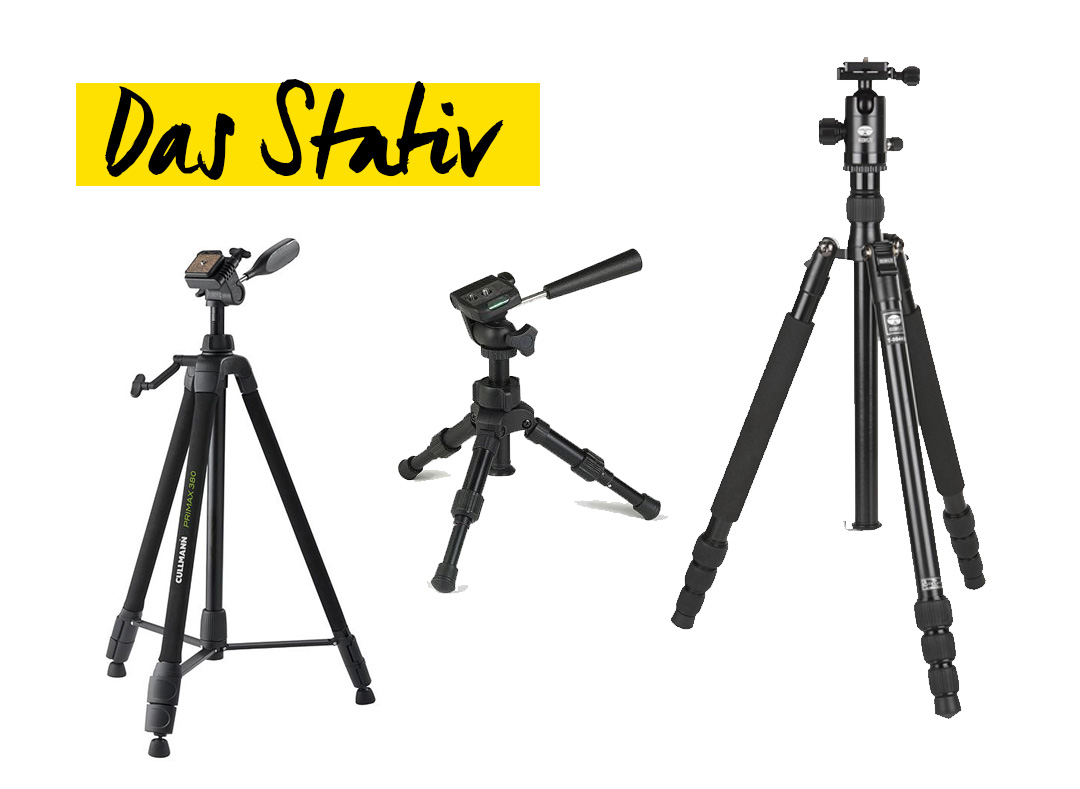
The camera you use plays a subordinate role. Of course, you can achieve better results with more expensive cameras, but with our tips you can also take a great photo with an entry-level camera. A manual mode and a self-timer are important. If you don't have a manual mode, you can also take photos in automatic mode. However, pay particular attention to the values determined and the sharpness. We recommend using an open aperture lens with a focal length of approx. 50mm (35mm). The focal length depends largely on your spatiality and the size of the group. Be careful not to shoot too wide-angle, as this will unintentionally distort the photo. Mount the camera on a tripod. You can use almost any tripod, as it doesn't have to be particularly stable or particularly high. Mini tripods, table tripods and gorillapods are also suitable for this, because if the tripod is too small, you can simply place it on a table or chair Table tripods
inexpensive tripods
The camera settings
You should test the camera settings beforehand so that you only have to trigger the shutter later. The exact settings naturally depend on your location and can vary greatly. A few guidelines are: A shutter speed of less than 1/60th, because if there are people moving in the photo, you will still get a solid sharpness. If you are using an older camera, we can recommend increasing the shutter speed. This will allow more light to reach the sensor and your photo will be brighter without you having to increase the ISO. But then everyone will have to hold still. The aperture should be between 2.8 - 4.0, because the wider the aperture (small f-number), the more light will reach the sensor. The difficulty, however, is getting all the people in focus, because with an open aperture you only get a small area in which the photo is sharp. That's why we recommend stopping down when there are several people and making sure that all the people are in focus later on. You have to test the ISO yourself and you can set it as the last value. If it is higher than 3200 (1600 on older cameras), you can increase the shutter speed to reduce noise. If you are shooting in RAW format, you can set the white balance to automatic. Another advantage of the RAW format is that you have more options for editing your photo later on. Set the camera exposure so that the background is correctly exposed and the mood is preserved. You can then adjust the foreground light to suit the subject.
The outfit
The technology is in place - now the outfit is missing. Here you can be creative again, but here too, uniformity scores points. Christmas knit sweaters are very much in vogue. Santa hats and reindeer antlers are other ideas! Want something special? How about cardboard signs, similar to a photo booth. Perfect for combining with Christmas crafts.
The photo
The preparations are made, you're ready to go. Position all the people sitting down about one meter away from the background. It is important that all heads are in focus. Fun is not forbidden, by the way! If there are small children in the photo, ask relatives or friends if they can help you and take on the role of the animator. Once all the people have been placed, all you need to do is trigger the shutter - and do this several times! If your camera has Wi-Fi, you can also do this from your smartphone. Otherwise, use the remote shutter release or the camera's internal self-timer. When checking the image, pay particular attention to the focus and that all eyes are open.
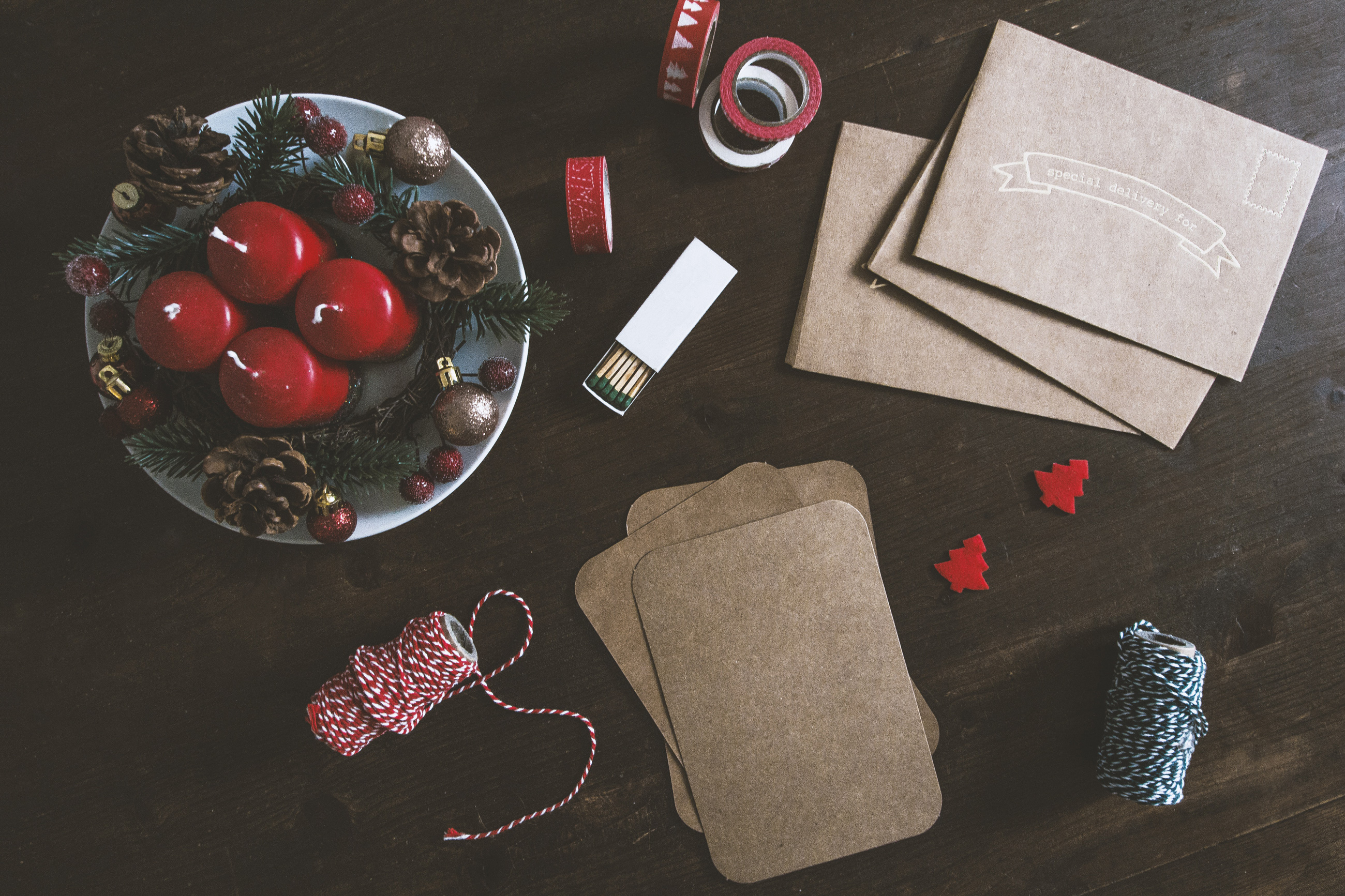
Image editing
You've already done most of the work, now it's time to get to the computer. Once you have decided on the best photo, open it with the image editing program of your choice. The most popular is Capture One, but there are many other - sometimes free - software programs for RAW development and image editing. If your camera came with a CD or a download link for a software program, then give it a try. When editing, it is advisable to set the white balance correctly, optimize the exposure, brighten the depths a little, adjust the highlights, increase the contrast slightly, enhance the colour dynamics and sharpen if necessary. Local adjustments, such as the graduated filter or the radial filter, can be used to adjust selected areas of the image. We recommend brightening the subject slightly with a radial filter, as this will draw the viewer's eye to the main subject even more quickly.
Once the photo has been edited, you can add a font or various graphics. Adobe software users will use Photoshop for this, but there are also free alternatives, such as GIMP. If you want to put several photos on the greeting card, you can create a collage. There are no limits to your creativity here.

Have your photo developed
You can then have the finished photos developed by our Foto Koch photo service. Here you have many options in terms of formats and finishing. Just click through the order interface and choose the one that suits you best. When your photo has arrived, you can stick it on the front of the greeting card.
Foto Koch picture world11 /2018 | JJ | The photos in the article come from unsplash.com (Copyright by Karine Germain, Kira auf der Heide, Roberto Nickson, Rodolfo Marques and Nine Kopfer)