
Livestreaming with your photo camera is that easy!
The year 2020 could not have started more unusually. Canceled events, postponed workshops and social distancing. Many of you have asked us how you can stream the video signal from your own camera to the internet. In today's blog post, we explain two (of many) ways to make streaming with your own camera possible.
What do I need for live streaming?
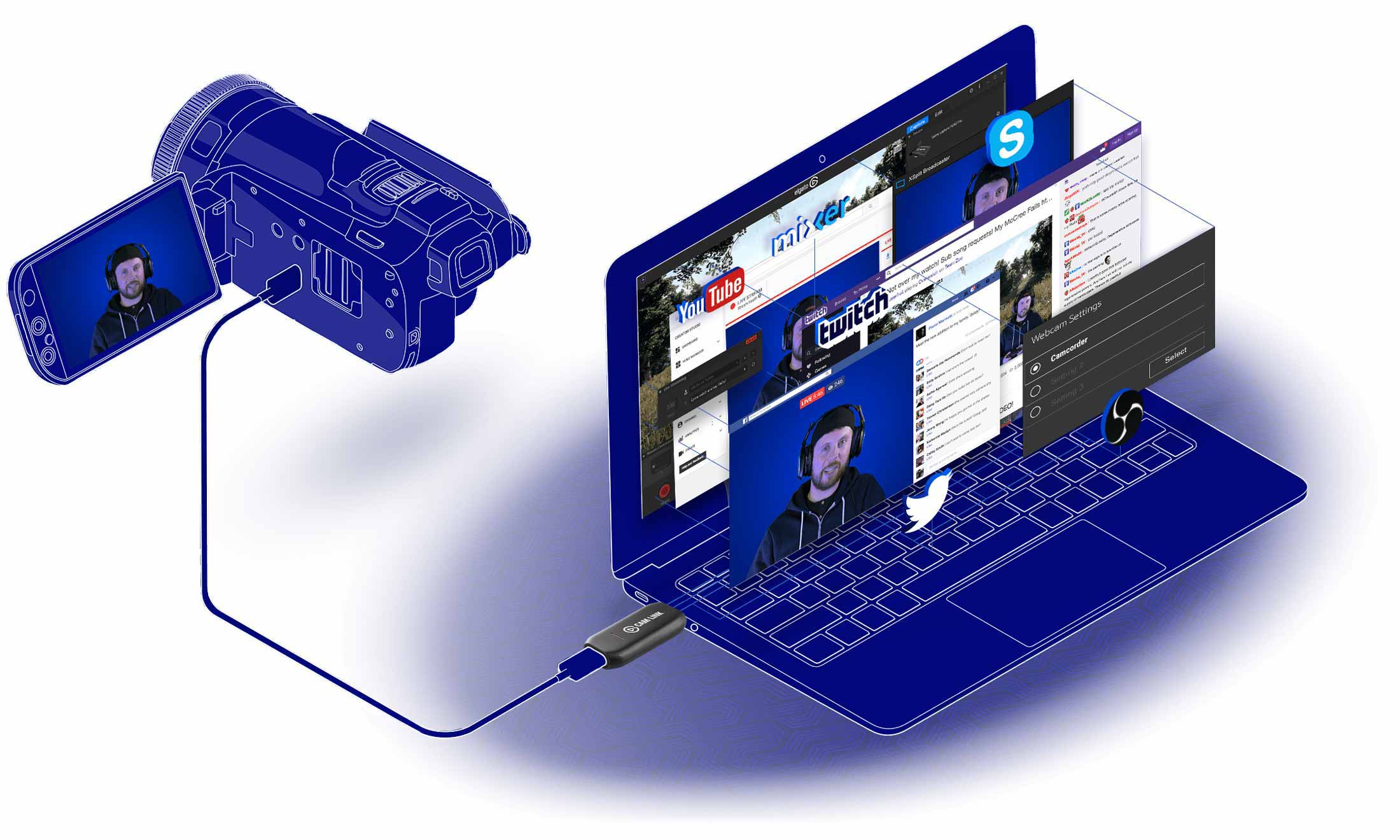
The method we will introduce to you first is very easy to implement, but it requires a piece of hardware that you probably don't have at the moment. With a so-called capture card you can transfer any HDMI signal via USB to your computer. We recommend the Elgato Cam Link 4K, or the Atomos Connect 4K, because it disguises your SLR or system camera as an external webcam, so you can easily use your camera in any video conferencing software like Zoom, Microsoft Teams, Skype, or Google Meet. Of course also on video platforms and social media like YouTube, Facebook and Twitch. The setup is very simple. Unpack. Plug it in. Get started!
Using the camera as a webcam without a capture card
Many camera manufacturers offer their own software solutions for their cameras, with which it is possible to connect the camera to the PC via USB and then use it like a webcam. In addition to a rechargeable battery, it is also possible to use dummy batteries that supply the power directly. Meanwhile, many cameras provide this feature out of the box and you can power the camera via USB, but the current of the USB port is usually not enough to charge the battery.
Some manufacturers that offer their own webcam utility software:
It is important to note that there may be complications with one or the other program. You can find out from the manufacturers themselves whether your own model is supported. Especially with older models it can happen that the camera is no longer supported, or only by an older software version, which can only be downloaded via a third party. Finally, you should take a look at the technical specifications of your camera and check the USB port type.

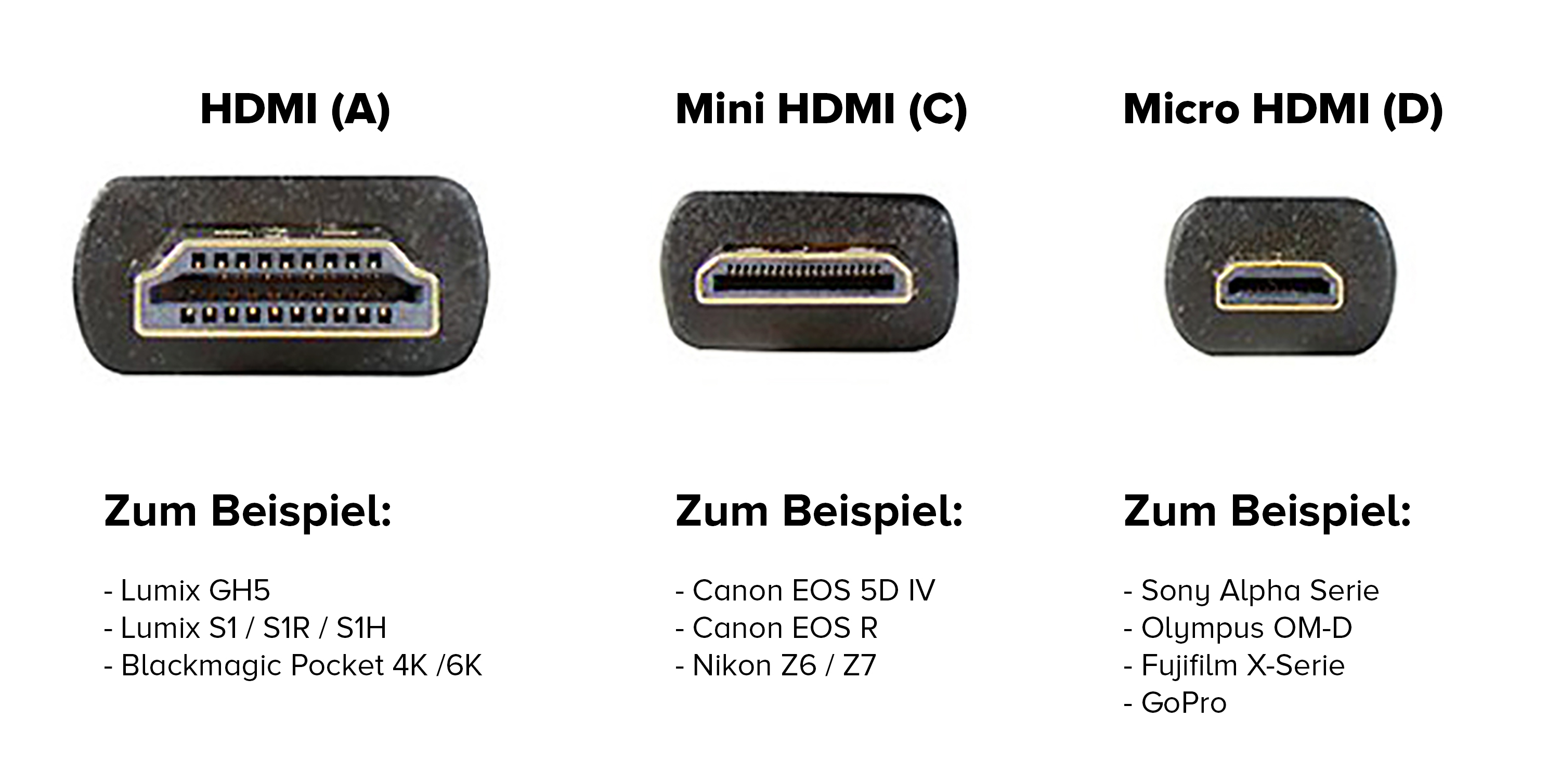
HDMI Variety
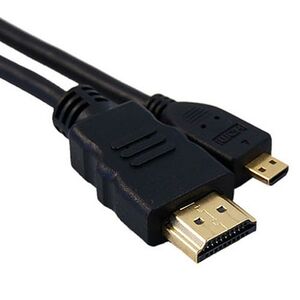
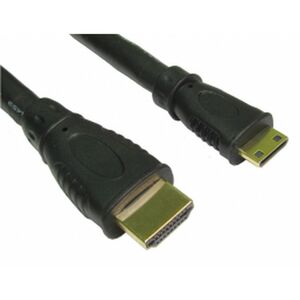
To connect your camera to the Elgato Cam Link, you also need a suitable HDMI cable. Attention: There are different types! You need an adapter cable from HDMI (A) to the HDMI type of your camera. We have put together a list of cables for mini and micro. You should also make sure that the HDMI distance is not too long, otherwise it can lead to failures. Up to 5 meters should be possible with any cable. If you need 10 meters, then you should rather use a higher quality cable.
Caruba HDMI to Mini-HDMI 2,8MAtomosHDMI to Mini-HDMI 0,8M
Caruba HDMIto Micro-HDMI 1,5M
AtomosHDMI to Micro-HDMI 0,8M
What about the sound for my livestreaming?
You can either transfer the sound for your livestream into the computer via an existing headset / USB microphone, or you can use the sound signal from your camera. Of course, you can optimize this with an external microphone on your camera or a clip-on microphone. Make sure that you select the correct audio and video channel in the software (with which you stream).
What else should I look out for when livestreaming?
Livestreaming is the supreme discipline of video recording. Live is live and every slip-up is uncorrectable on the net. When streaming video, there are many small pieces of the puzzle that can only lead to success when put together. We have summarized a few key points for you with things you should pay attention to in any case.
- Stable internet connection
- Operate camera via power supply
- Cameras transmit a clear HDMI signal, camera settings are not visible
- Microphone positioned as close as possible to the sound source
- Check sound via headphones so that no feedback occurs
- Main subject sufficiently illuminated
- Test livestream setup with a private account!
- Practice, practice, practice
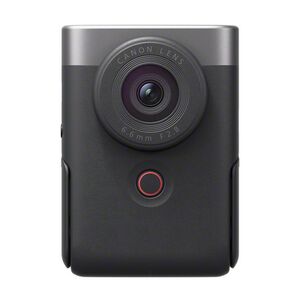
Accessories & cameras for live streaming
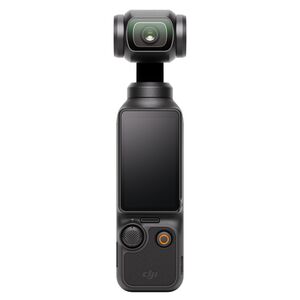
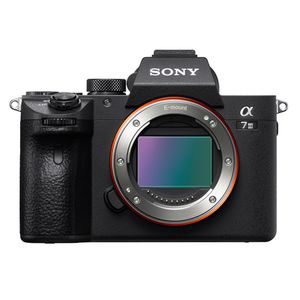
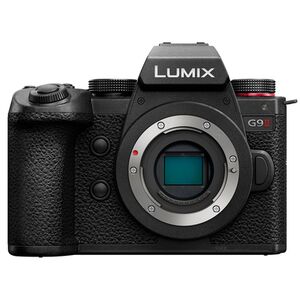
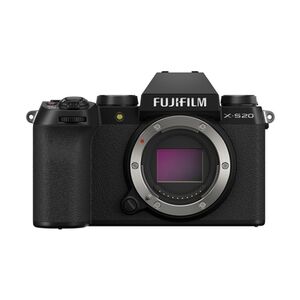
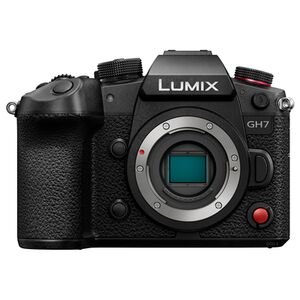
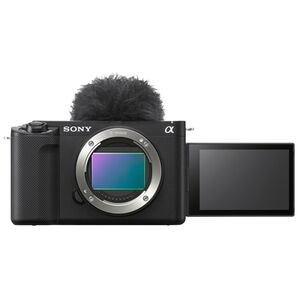
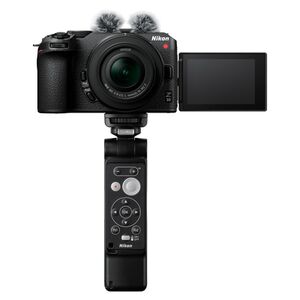
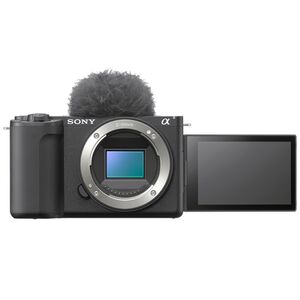
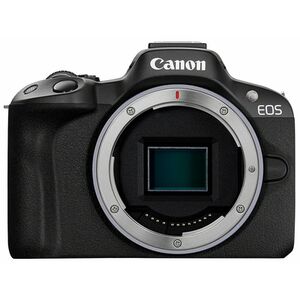
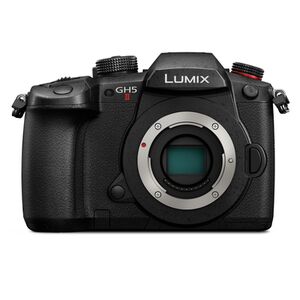
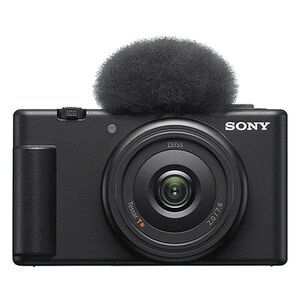
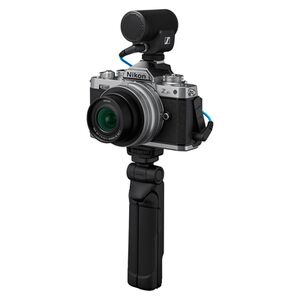
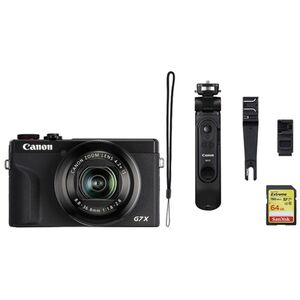
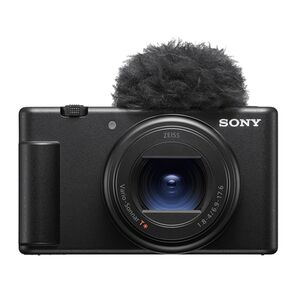
How do I stream to YouTube with my camera?
Once you have connected your camera to your PC or laptop with the Elgato Cam Link, you can start using the software.
In YouTube Studio, click on Create in the upper right corner and then on Start Livestream. On the left side you can now select that you want to do your livestream via webcam. In reality, of course, with your camera. Now choose a title, the start time and the right video and audio source. For more information on how to set up your webcam livestream on YouTube, click here: YouTube Help
Can I use multiple cameras for my livestream?
Yes, the second option we're going to introduce in this post allows you to stream up to four devices and switch between them. Devices in this case are HDMI sources such as your camera, or even a presentation from your laptop.
The Blackmagic ATEM Mini allows you to switch between four HDMI signals and use even more features. Essentially, the way the ATEM Mini works is the same as the Elgato Cam Link. This time you connect your cameras to the ATEM Mini with an HDMI cable. You can either bring the audio into the ATEM Mini via the cameras, or you can connect the audio source directly to one of the two audio inputs.
The products you need to start:
- Camera with lens
- Power supply / battery dummy
- HDMI adapter cable
- Capture Card (e.g. Elgato Stream Link)
- Microphone
- Video light
Enjoy your stream!