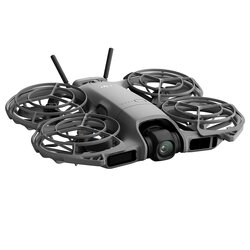
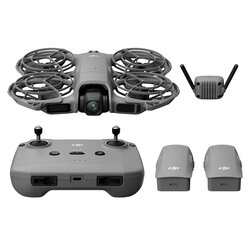
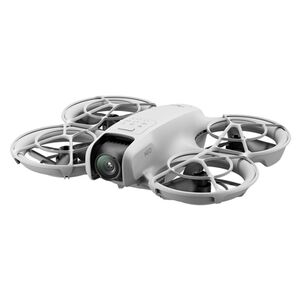
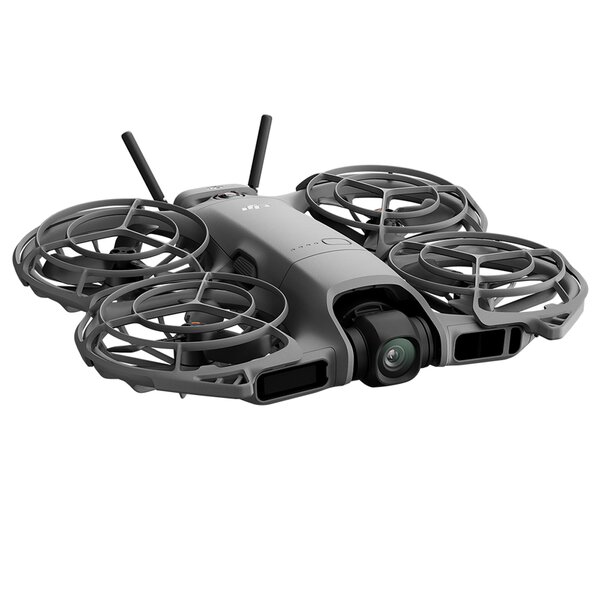
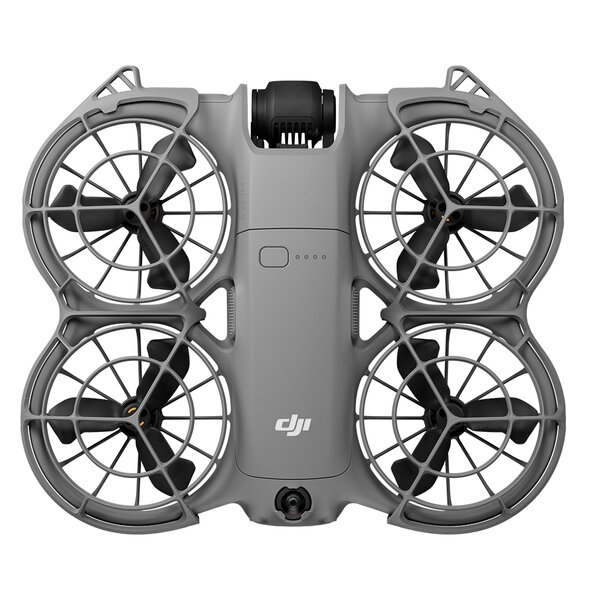
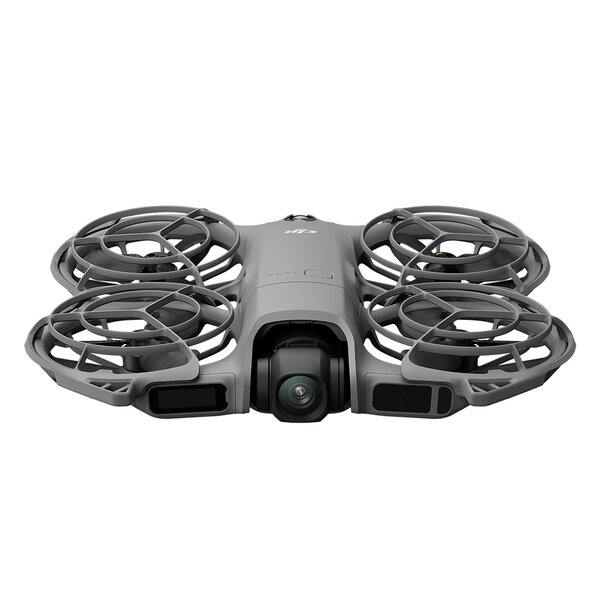
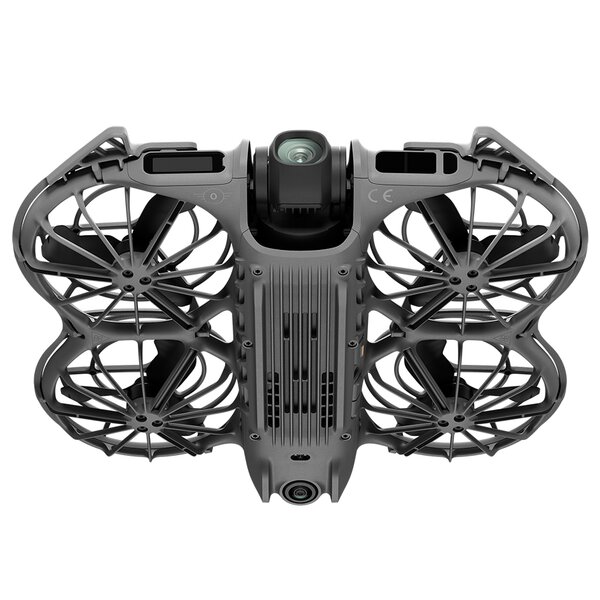
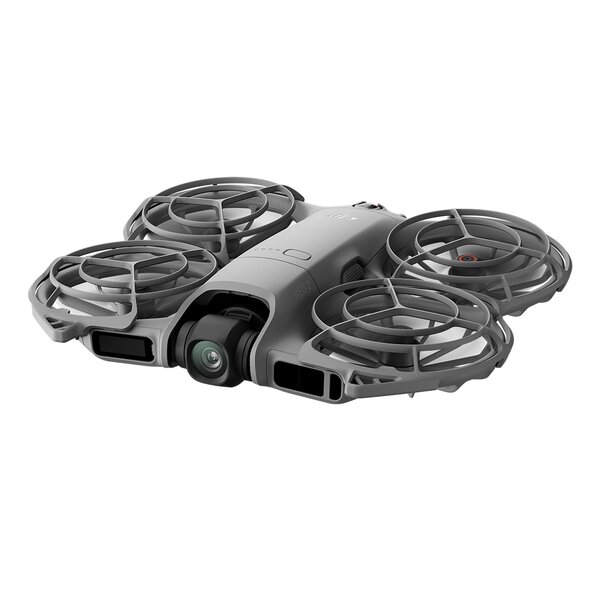
DJI Neo 2 (variant: Drone Only)
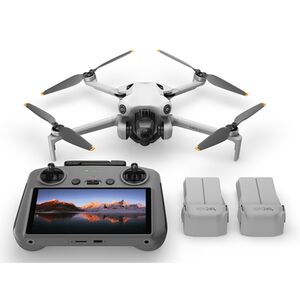
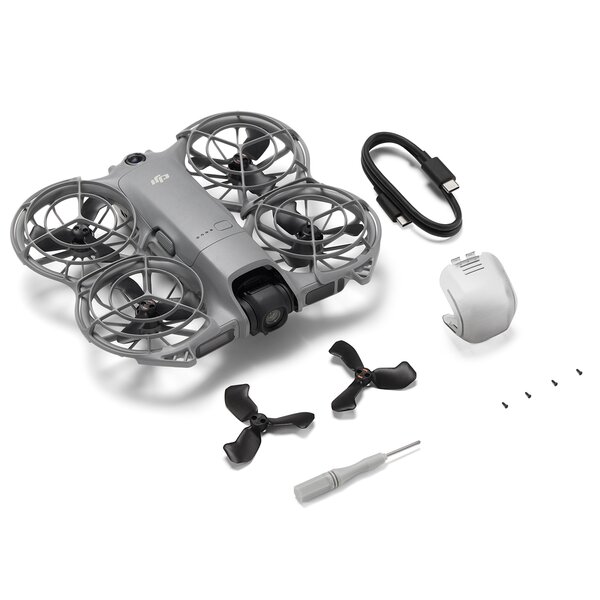
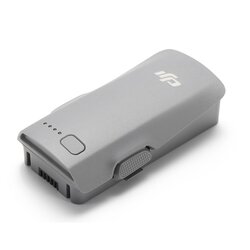
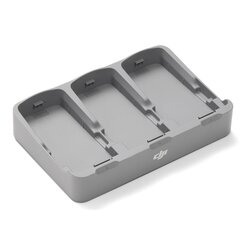
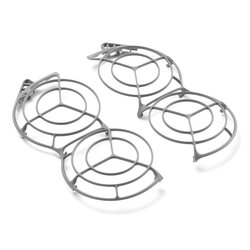
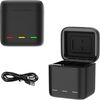
Includes the drone, three Intelligent Flight Batteries, a two-way charging station and propeller guard - making it easier to create outdoor content and capture every exciting flight highlight with stable precision.
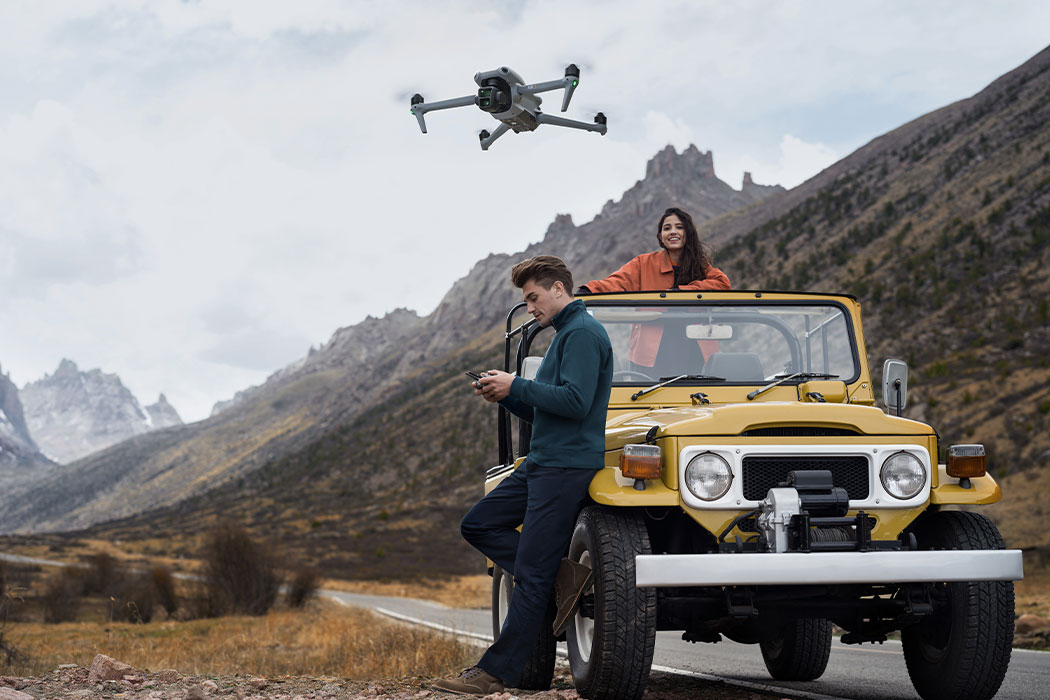
The flying cameraman that follows you
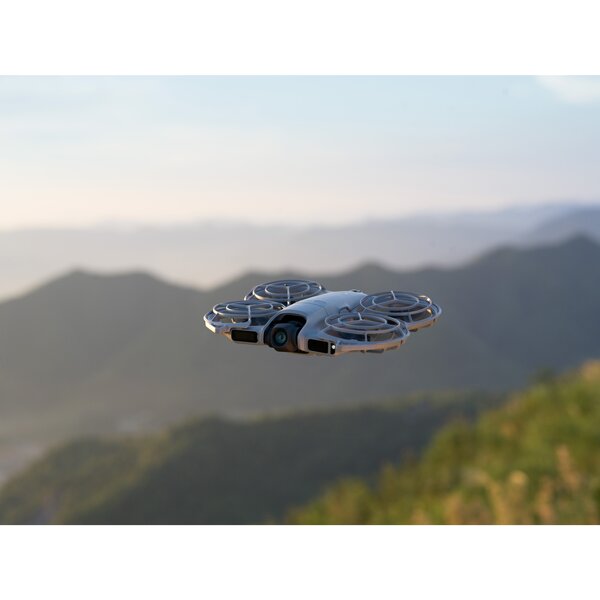
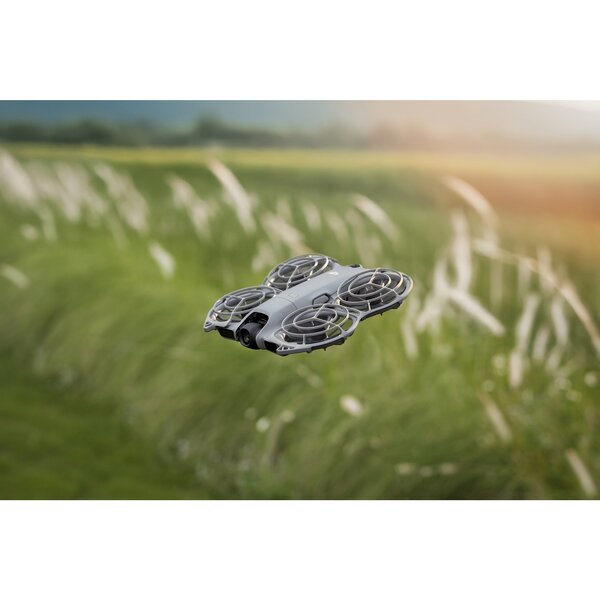
The DJI Neo 2 is currently the most compact drone from DJI, equipped with omnidirectional obstacle detection [2] and functions such as gesture control [3], SelfieShot or ActiveTrack [4] for even more creative ways to fly [as of Nov. 2025]. Even beginners can get started right away. Think of the Neo 2 as your personal follow-me camera drone - always ready to capture your most exciting moments.
Features:
- Palm take-off and landing [5], gesture control [3]
- Faster, smoother tracking with ActiveTrack [4]
- Easy snapshot capture with SelfieShot
- Omnidirectional obstacle detection [2] and versatile flight [6]
- Premium 4K imaging [7]
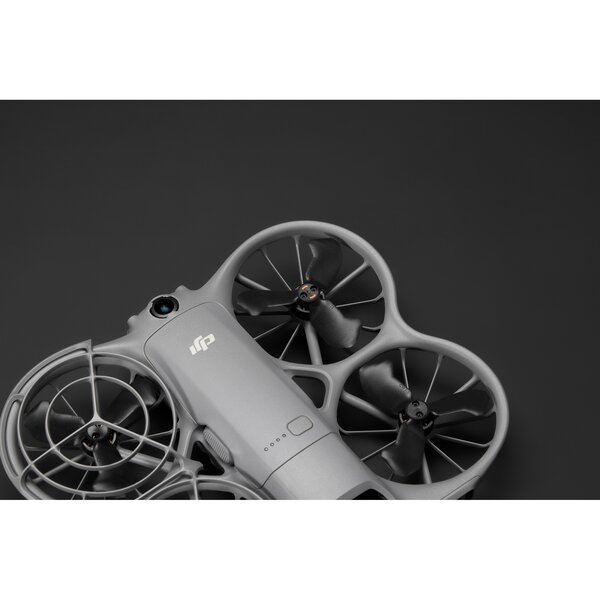
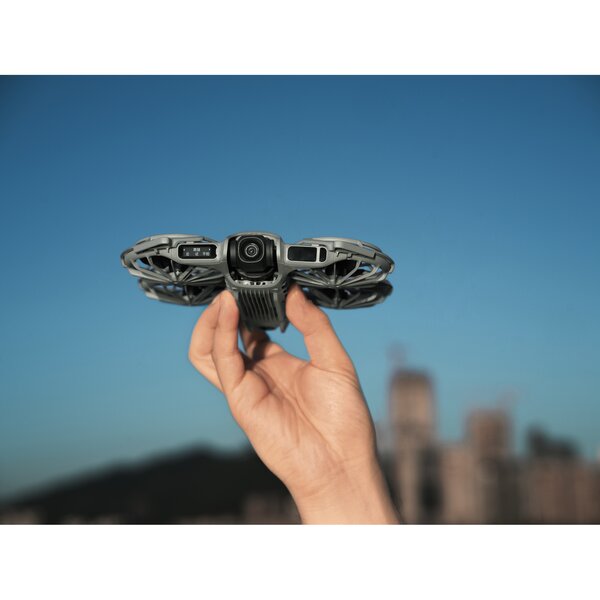
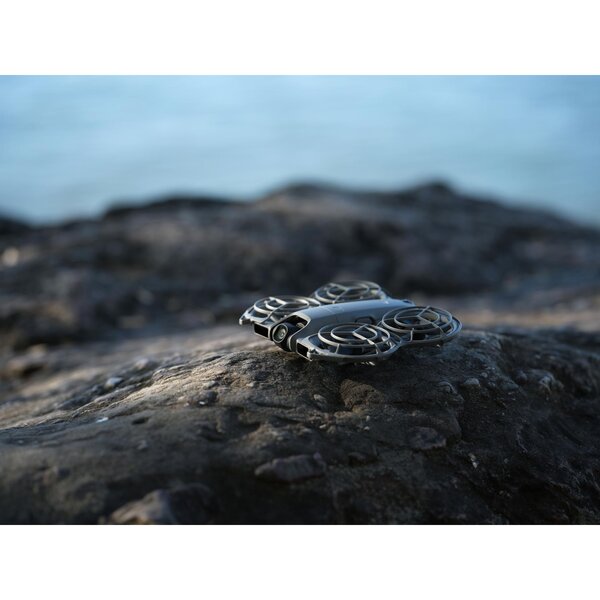
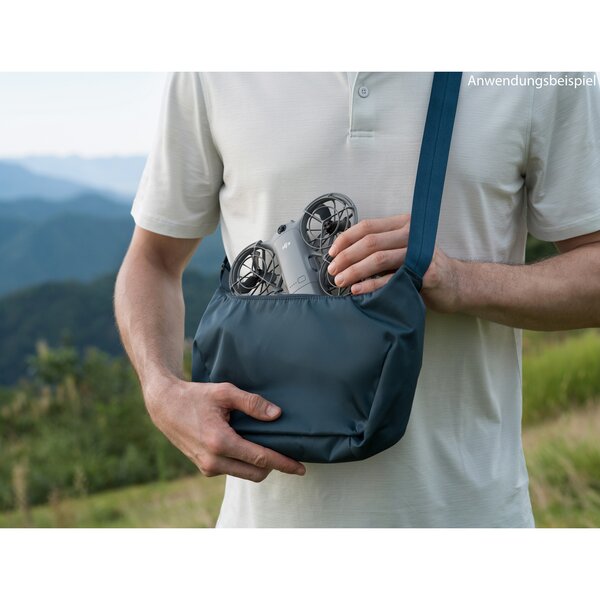
- Lightweight, portable design with all-round propeller protection
Master every flight with ease
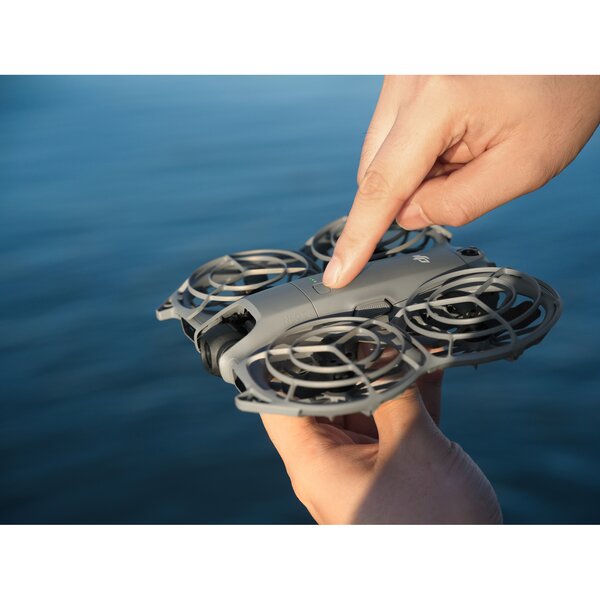
The DJI Neo 2 has an integrated display that lets you select the shooting mode even more intuitively. To take off, point it at you and press the take-off button with one hand, and it will lift off directly from the palm of your hand [5], ready to perform automatic camera movements. The new back-to-hand function [3] allows the Neo 2 to precisely recognize your hand, return safely and land stably - flying has never been easier.
More ways to control it, more fun
The Neo 2 can follow you effortlessly, even without remote control, making sure you never miss an exciting moment. Combine it with the DJI RC 2 or DJI RC-N3 remote control for easy takeoffs. Or, put on the DJI Goggles and use the motion controllers for impressive FPV flights [8]. The fun never stops!
Gesture control
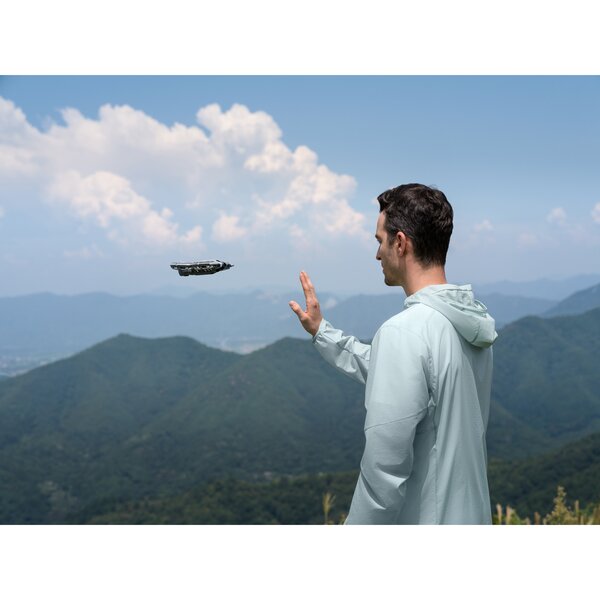
Easily adjust the direction and distance of the Neo 2 with one or both hands [3]. Point your palm at the drone to steer it up, down or sideways, or use both palms for precise distance control. No remote control is required to adjust the camera angle.
Voice control via mobile device [9][10]
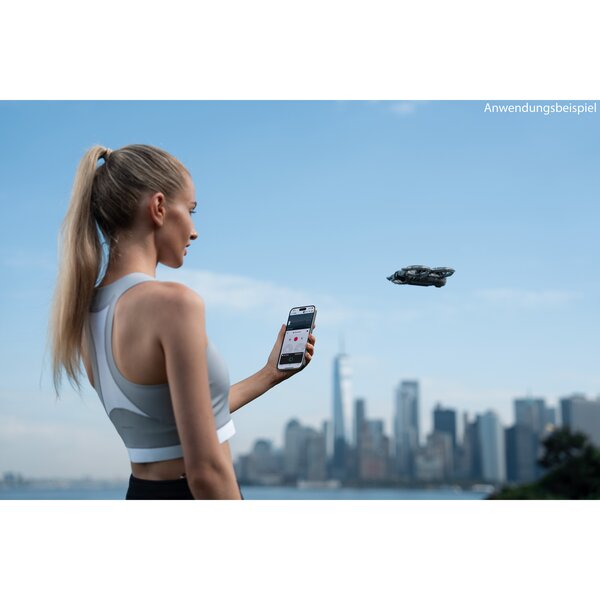
Send flight commands at will using your smartphone or Bluetooth earphones [11] - whether you're jogging or cycling. Once the Neo 2 is connected to your smartphone, it can record audio and intelligently suppress noise by automatically filtering out propeller noise, for example.
Control via mobile app [10]
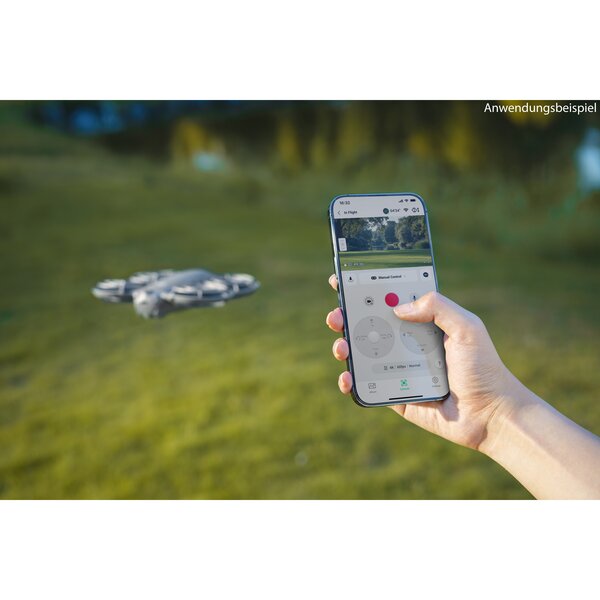
Control the Neo 2 via virtual joysticks in the DJI Fly app and dive straight into the fun of flying - without having to buy a separate remote control.
RC control [12]
Paired with the DJI RC-N3 remote control, the Neo 2 achieves a maximum video transmission distance of up to 10 kilometers [13] and lets you operate the camera flexibly with conventional RC joysticks - for professional-level footage.
Motion control
In combination with the motion controller and goggles, the Neo 2 supports motion control and Easy ACRO for an even more immersive FPV experience.
Intelligent shooting for razor-sharp results
The DJI Neo 2 supports ActiveTrack [4] and SelfieShot, automatically framing subjects for smooth, hands-free shooting right from the start. Multiple intelligent shooting modes open up new angles in an instant for even more creativity. Combined with 4K video recording [7], the Neo 2 delivers sharp, detailed, cinema-quality footage.
Fast and smooth tracking with ActiveTrack [4]
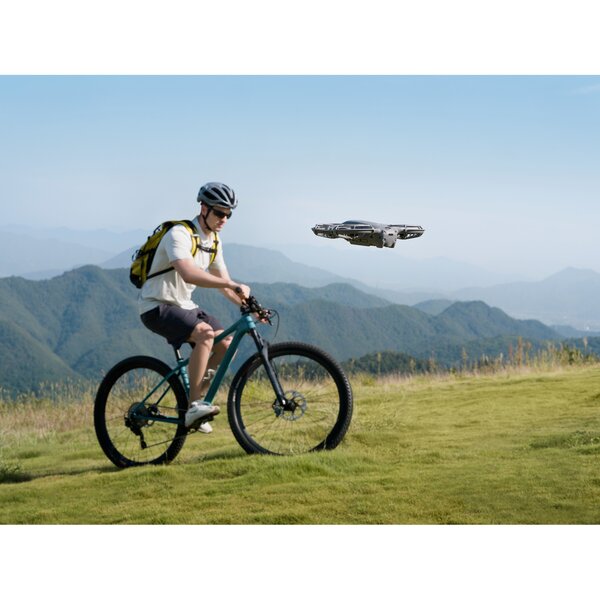
With improved tracking performance, the Neo 2 provides smooth and stable tracking for running, cycling and more. In open areas, it can follow at speeds of up to 12 m/s [14], which means faster response and improved stability.
More tracking directions
Tracking in eight directions (forward, backward, left, right and four diagonals) enables smoother, more natural follow shots and expands creative possibilities. In complex environments, the drone can switch to backward tracking mode, keeping the subject stable in focus and combining creative freedom with safety.
Easy snapshot with SelfieShot
Capture solo or group moments hands-free with SelfieShot, which allows effortless switching between half-portrait, full-body and wide-angle shots - without the need for a tripod or additional assistance. Whether it's birthday parties, weekend getaways or family picnics, the Neo 2 automatically composes each scene and moves the camera as needed to capture your precious moments with just a tap.
Premium 4K imaging [7]
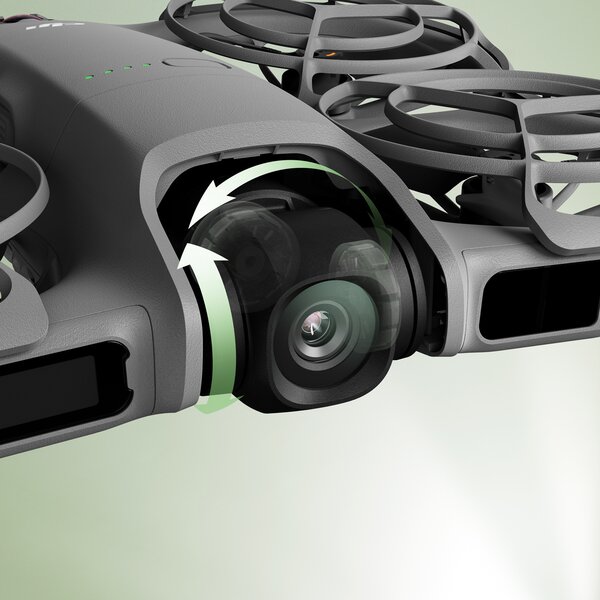
The Neo 2 features a 12MP 1/2-inch CMOS sensor with an f/2.2 aperture and a powerful image processor for clearer, low-noise footage. Capture video in 4K/60fps, 4K/100fps slow motion [15] and 2.7K portrait format - all stabilized by a 2-axis gimbal.
Shooting with wow effect
The Neo 2 captures stunning footage with lifelike image quality.
4K-Video
The Neo 2 records videos in 4K/60fps and 4K/100fps slow motion [15] and delivers smooth and clear recordings.
Portrait Optimization
With DJI's Portrait Optimization, Neo 2 enhances the brightness, contrast and skin tones of portraits for naturally radiant skin with vivid, realistic facial expressions.
Vertical 2.7K recording
Neo 2 supports 2.7K vertical video recording, ideal for sharing on social media.
Advanced stabilization
The 2-axis gimbal works with electronic image stabilization (EIS) [16] to deliver smooth, stabilized footage in any situation.
Intelligent shooting modes, impressive shots
The Neo 2 supports intelligent shooting modes such as Dolly Zoom, QuickShots and MasterShots, offering multiple perspectives and making it easy to create outstanding shots.
Double protection for safe flights
Omnidirectional obstacle detection [2] and a fully covering propeller guard provide double protection for worry-free flights. Capture life's special moments effortlessly while simply enjoying the freedom of flying.
Comprehensive protection, easy for beginners
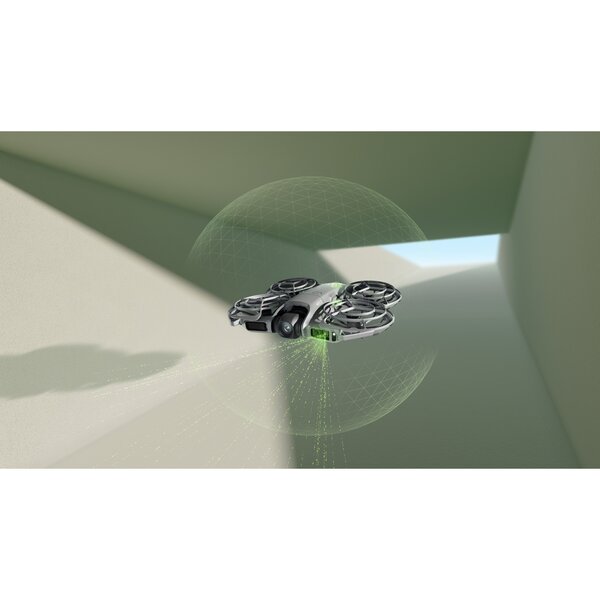
The omnidirectional monocular vision system, combined with forward-facing LiDAR and a downward-facing infrared sensor system, detects obstacles in real time for safe and confident flying. The integrated propeller guard design offers all-round protection and provides a reassuring feeling when flying the drone, especially for beginners.
Omnidirectional obstacle detection
With the new omnidirectional obstacle detection [2], the Neo 2 can detect and fly around obstacles when tracking from the front or from the side - so that the drone can be controlled effortlessly, stably and safely even without experience.
Versatile flight [6]
The Neo 2 offers even more flying versatility [6] and improved hovering and positioning functions compared to the Neo, so you can maneuver even more easily in difficult environments such as indoors, near buildings, over water or on snow.
All-round propeller protection
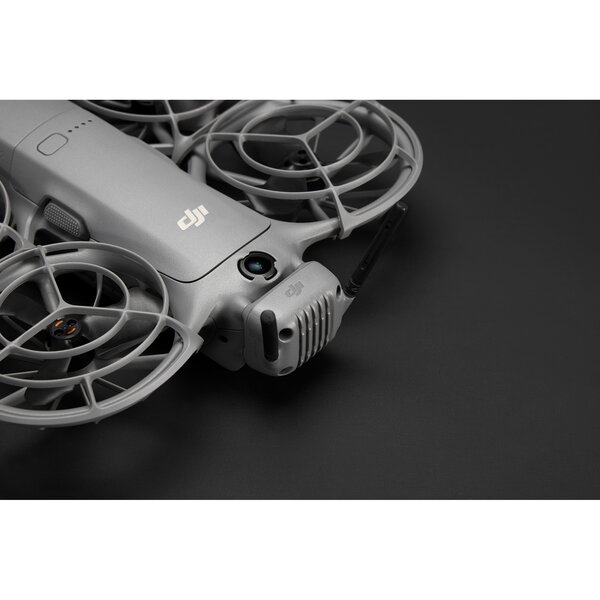
A lightweight body combined with integrated propeller protection makes flying safer and more maneuverable - so every flight is a worry-free experience.
Record easily and efficiently
Internal memory
The internal 49 GB memory supports long 4K video recordings [7], allowing you to capture content without interruption.
Power supply
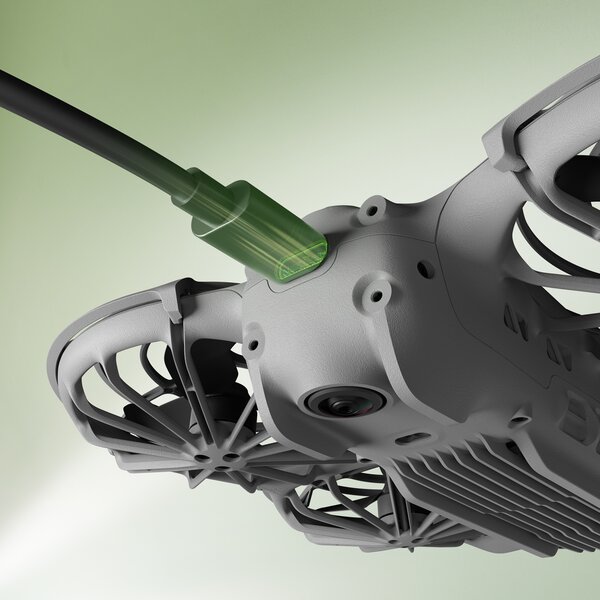
The aircraft can be connected directly to a power source via a Type-C data cable for convenient charging. Neo 2's two-way charging station can charge three batteries simultaneously [17], increasing both charging speed and efficiency.
QuickTransfer
With transfer speeds of up to 80 MB/s [18], impressive footage is instantly available to you.
Automatic return (RTH)
No need to worry about the return flight - when using manual launch or control via the mobile app, Neo 2 automatically returns to the starting point after completing its flight. When using remote control or motion control, Neo 2 supports automatic return (RTH) and failsafe RTH. Obstacle avoidance is activated during the return flight, which ensures additional safety and beginner-friendly operation.
19Minutes of flight time [19]
With up to 19 minutes of flight time [19], Neo 2 can complete more than 20 consecutive flights [20], towards and away from the palm of your hand - capturing life's little moments, thanks to its sleek design and reliable flight time.
Wind resistance
Stable hovering in wind speeds up to 10.7 m/s - for reliable outdoor shooting.
Versatile sets to suit your style
With multiple combo options, the DJI Neo 2 adapts to your creative style and shooting needs. From effortless everyday tracking scenes to beginner-friendly aerial shots and fully immersive flight experiences, you'll always find the right set.
* All videos and images on this page were shot with DJI Neo 2 by professionals in strict compliance with local laws and regulations and edited differently in post-production. All videos and images are for reference only. Actual results may vary. Always pay attention to local laws and regulations and make sure the drone has the appropriate approvals and airspace permits before flying.
** All data was tested with a production model of DJI Neo 2 in a controlled environment. Actual performance may vary depending on environment, usage and firmware version.
*** All images, videos and on-screen content about the product itself on this page are for reference purposes only. Actual product features (including but not limited to appearance, color and size) and on-screen content (including but not limited to backgrounds, user interface and illustrations) may vary.
1. As of November 2025, the DJI Neo 2 is the most compact drone in the DJI portfolio with omnidirectional obstacle detection.
2. The omnidirectional vision system supports flight safety only under certain conditions and does not replace your own judgment and control. Always pay attention to the surroundings and warnings in the DJI Fly app during flight and be responsible for and able to control the drone at all times. The optimal altitude range for positioning the visual positioning system is 0.5 to 10 meters when the system is used without GNSS signals. The performance of the visual positioning system may decrease if you fly outside this range. Fly carefully. The visual system may not function properly when the drone is flying over water, which may result in it not actively avoiding water surfaces below when landing. Operators should maintain control of the drone at all times, make decisions based on the environment, and not rely solely on the visual system. The visual system may not recognize certain objects or surfaces, including large structures with frames and cables (e.g. tower cranes, high voltage pylons, power lines, cable-stayed bridges); surfaces with no or sparse texture; surfaces with repetitive identical patterns or textures (e.g. small tiles of the same color). E.g. small tiles of the same color); monochromatic surfaces (e.g. pure black, pure white, pure red, pure green); highly reflective or mirror-like surfaces (e.g. ice, traffic signs); water or transparent surfaces; surfaces of moving objects (e.g. above crowds, above moving objects); surfaces of moving objects (e.g. above people, above moving objects). Moving objects (e.g. above crowds of people, above bushes or grass swaying in the wind); moving obstacles (e.g. people walking, moving vehicles); scenes with drastic changes in light; surfaces that are extremely dark (e.g. less than 1 lux) or extremely bright (e.g. more than 100.000 lux); materials with strong infrared absorption or reflection (e.g. mirrors, glass, traffic signs, asphalt); small obstacles (e.g. fences, branches, power lines) and thin poles or small vertical objects (e.g. utility poles, streetlights). Do not block or interfere with the sensor system under any circumstances. Ensure that all lenses are clean, free of dirt, fingerprints or other contaminants and are not scratched. The vision system cameras may need to be calibrated after being stored for an extended period of time. A prompt will appear in the DJI Fly app and the calibration will be performed automatically. Do not fly when it is raining, foggy or visibility is less than 100 meters. Check the glass surfaces of the sensor system before take-off. Remove all protective films, stickers or other obstacles. If there are water droplets, fingerprints or streaks on the glass, clean the glass with a lint-free cloth. Do not use alcohol or other organic solvents. If the glass surface is loose, damaged, scratched or worn, send the drone to an authorized service center for repair. For more information, see the user manual.
3. Observe these conditions and precautions when using gesture control: Make sure the environment is safe when using this function and avoid moving people, animals or vehicles. Do not use gesture control in areas with small or thin objects (e.g. branches or power lines), transparent objects (e.g. glass or water) or solid-colored surfaces (e.g. white walls). Only use this function in environments with suitable lighting. Gesture control does not work if the ambient light is below 5 lux or above 100,000 lux. Gesture control is only supported in spotlight or follow mode and not when using remote control or motion control. When using this function, the drone should fly about 2 to 5 meters away from the pilot. Keep your fingers fully extended when using this function. Gesture control does not work with thick gloves or mittens, and the subject should be fully visible in the camera image without any obstructions. When using "Back to palm", keep a horizontal distance of 2 to 5 meters between the drone and your palm and a vertical distance of no more than 2 meters. If the function does not respond at a short distance, adjust the position of the drone using the gesture control or move yourself to avoid visual blind spots before trying again. To make the drone fly back by lifting one arm, keep it at a maximum horizontal distance of 10m from your arm, fully extend your arm when lifting and do not lift both arms at the same time as this will prevent the drone from flying back.
4. It is recommended to use the ActiveTrack function in open environments. Refer to the user manual for information on unsupported scenarios or situations that may cause the recording to be interrupted. When flying in Auto mode, we advise you to be careful in cluttered environments with many obstacles to ensure flight safety and personal safety.
5. When hand-launching and landing the drone, follow the instructions below: Fly in calm conditions if possible. Hold your hand out horizontally and keep it steady so that your fingers do not come into contact with the propellers. Do not try to grab the drone during flight to avoid injury.
6. Versatile flight describes the DJI Neo 2's ability to fly both indoors and outdoors, with significantly improved performance compared to the DJI Neo, especially in challenging conditions such as flying over water or snow. Always be sure to comply with all local laws and regulations, certification requirements and airspace permits, and make sure you understand and obtain all required permits before operating the drone. Flight performance may degrade if the drone is flown near solid color, transparent or featureless surfaces when the GNSS signal is weak. Always fly carefully in well-lit environments. When flying over water, maintain an altitude of at least 1 meter to ensure safety. Refer to the user manual for more information.
7. The maximum resolution in portrait mode is 2.7K.
8. Requires DJI Goggles N3 or DJI Goggles 3 and DJI RC Motion 3 or DJI FPV Remote Controller 3. When flying with DJI Neo 2, follow local laws and regulations and pay attention to flight safety.
9. Supports English and Chinese (Mandarin) only.
10. Requires DJI Neo 2 to be connected to a cell phone via Wi-Fi.
11refer tohttps://www.dji.com/downloads/djiapp/dji-fly (DJI Fly App download page) to check compatibility with mobile devices and consult the Bluetooth Device Compatibility List for Bluetooth compatibility.
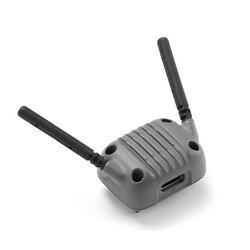
12. For motion control or RC control, the DJI Neo 2 Digital Transceiver and the respective remote controller and goggles are required. These can be obtained by purchasing certain combos or by purchasing the designated items separately.
13. The video transmission distance of 10 km can only be achieved with FCC compliance. Data was conducted outdoors in an interference-free, unobstructed environment with the remote controller or FPV goggles and showed the farthest communication range for a one-way flight without a return flight by any standard. The maximum distance for video transmission in actual flight scenarios is limited by the maximum flight distance of the drone. When flying, always pay attention to the return warning messages in the live view.
14. The maximum speed was measured in an open, windless environment, with the drone taking off from a height of 0 m and controlled via the remote control. The data is for reference only.
16. Slow motion recording in 4K/100fps is only supported when using the remote control or motion control.
17. The stabilizer switch (on/off) is only available when the drone is paired with the goggles. When stabilization is disabled, the recorded footage supports offline stabilization with Gyroflow.
18. The number of batteries that can be charged at the same time depends on the power of the charger used. With a charger with an output of over 45 W, you can charge three batteries at the same time. With a charger with an output of between 30 W and 45 W, you can only charge two batteries at the same time. When using a charger with less than 30 W, the batteries are charged one after the other, starting with the highest remaining charge level down to the lowest. Refer to the charging protocols supported by the charger.
19. Measured in a laboratory environment with low interference in countries/regions that support both 2.4 GHz and 5.8 GHz. Download speeds may vary depending on actual conditions.
20. Measured while flying forward at a speed of 4 m/s in a windless environment 20 m above sea level, without DJI Neo 2 Digital Transceiver, with camera parameters set to 1080p/30fps, video mode off and battery level from 100% to 0%. Actual results may vary depending on environment, usage and firmware version.
21. Measured after activating DJI Neo 2 with fully charged battery and default settings and using Circle, Rocket and Dronie modes, for reference only.
22. Measured weight is without DJI Neo 2 Digital Transceiver. Actual weight may vary due to different batch materials and external factors.
23. Actual weight may vary due to different batch materials and external factors.
24. Measured while flying forward at a speed of 2 km/h in a windless environment 20 m above sea level with camera parameters 1080p/30fps, video mode off and battery level from 100% to 0%. Actual results may vary depending on environment, usage and firmware version.
25. Measured in an open, interference-free outdoor environment. Actual video transmission range may vary depending on operating environment and mobile device performance. Actual results may vary.