Update: Our favorite functions in Capture One 21
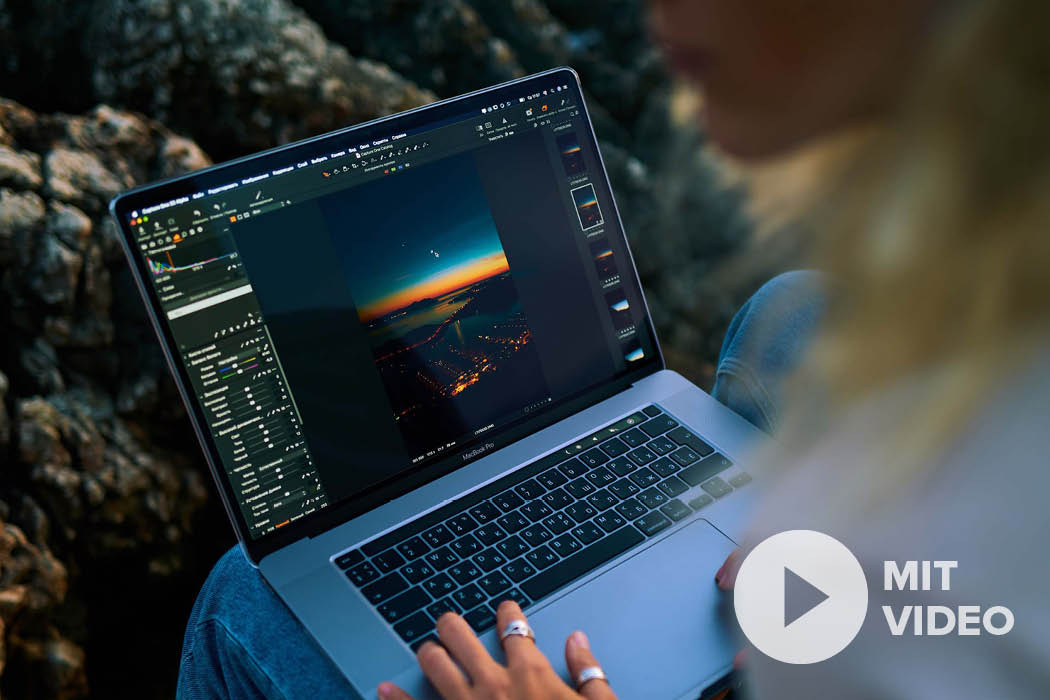
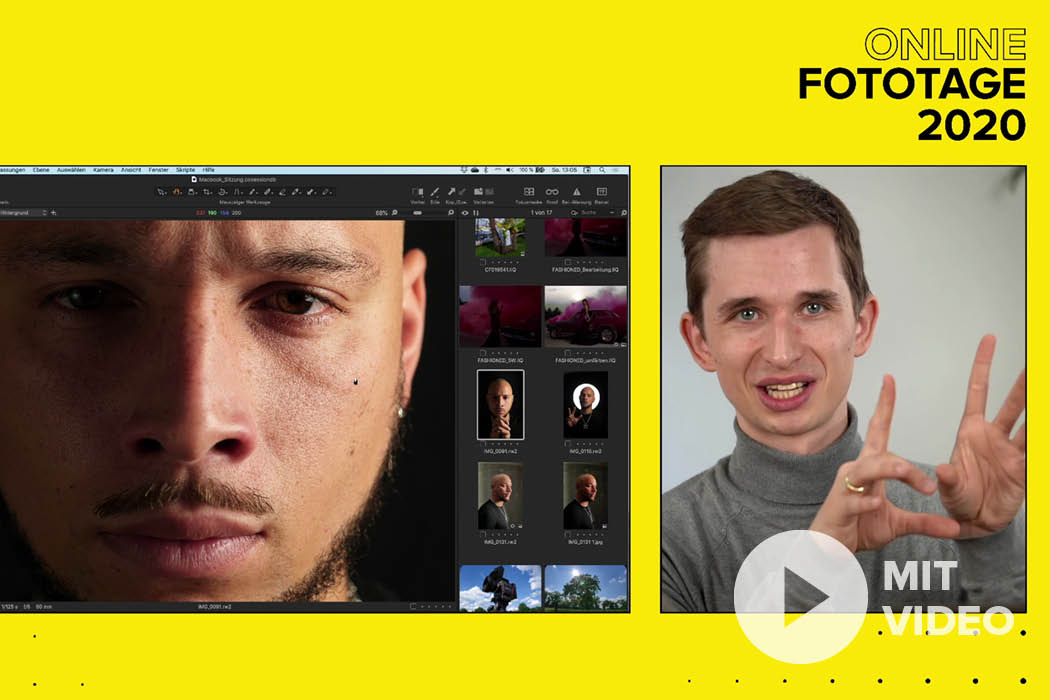
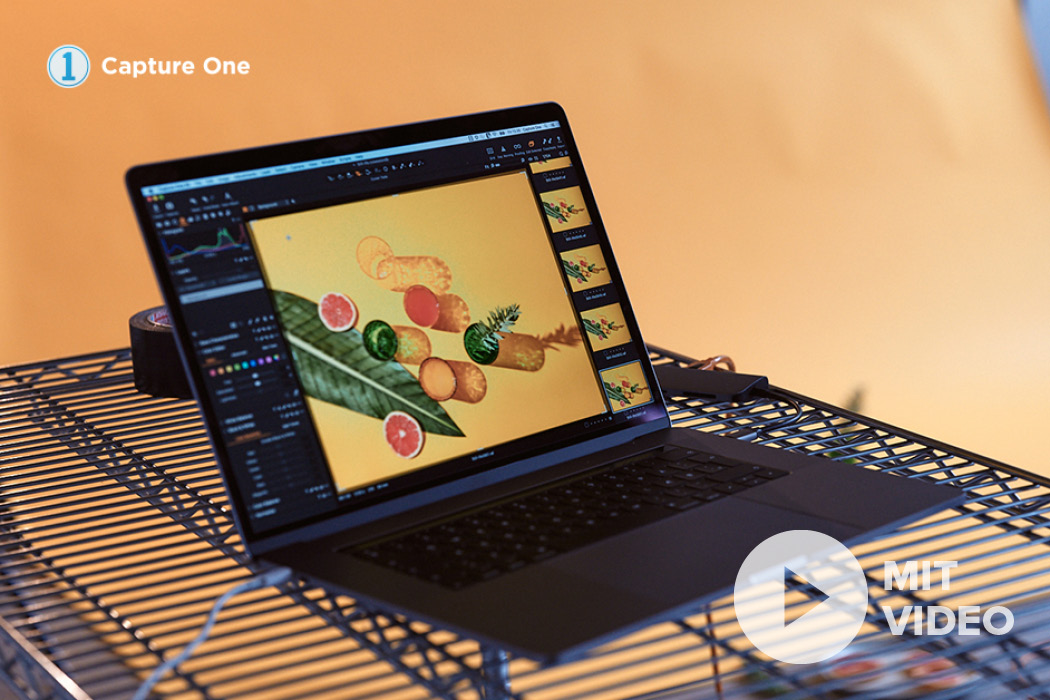
Reading Time: 5 minutes - Update December 8, 2020 For many photographers, image editing is a natural part of photography. It is not always about fundamentally changing the image, but often the photographer only wants to optimize the photo in a few places. There are now a variety of programs for both mobile devices and laptops & PCs. Capture One is a software for RAW development and image editing for the computer, which may not be as well known to many photographers as Adobe Lightroom, for example. At the beginning of April, an expert from Phase One visited us and introduced the Foto Koch team to some of the highlights of image editing with Capture One, which we have summarized for you in a short video and this article.
Why Capture One?
Phase One generates the majority of its turnover with the medium format cameras of the same name, which probably only find a place in the studio of a few photographers, but the know-how from camera development is also used in the Capture One image editing software. Unlike the high-priced medium format cameras, the Capture One editing program is aimed at all photographers, whether beginners, ambitious hobby photographers or full-time photographers and experts. With its software, Phase One aims to get as much as possible out of the photos from digital cameras. You can find out how they achieve this, for example in terms of noise reduction, in this article. In addition, the software is significantly faster than comparable programs and you are not forced to create a catalog. Many photographers already use one program or another to edit their own photos. You might be asking yourself: "What's so great about Capture One?" This is exactly the question we want to help you with in this blog post.

Colors - the heart of photography
Sounds banal? Unfortunately, it's not! Reproducing colors "correctly" is a core problem in photography. The discussion about the most beautiful skin tones among Canon, Nikon and Sony users alone is a key feature of current cameras. Colors and color reproduction also play a central role in software products such as Capture One.
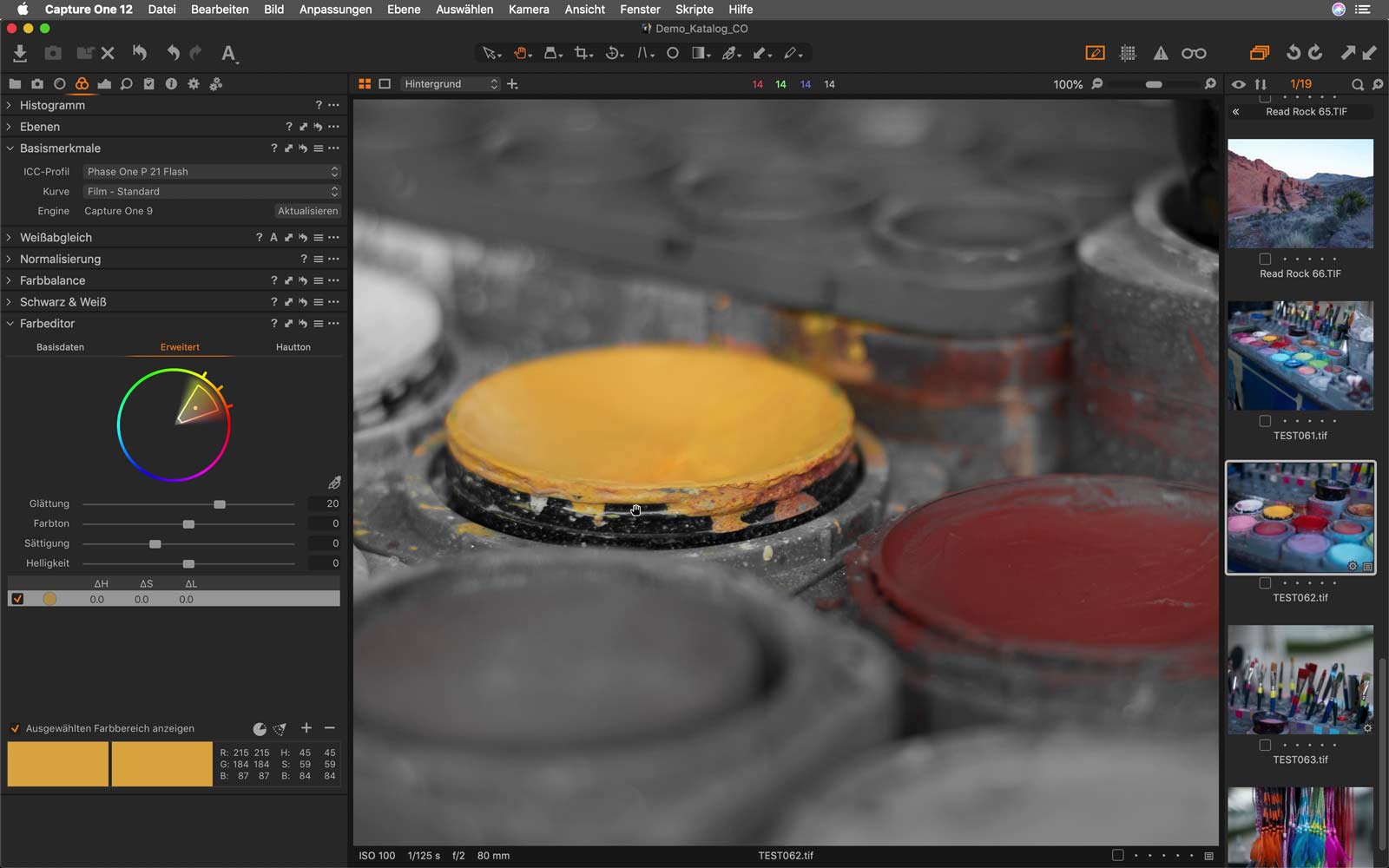

One of Capture One's strengths is color editing and color reproduction, Stefan from Phase One tells us. More than 500 customized camera profiles help bring out the best in every RAW file. Whether you are looking for creative color adjustment tools or want to produce images with absolutely natural colors, Capture One will impress you with powerful precision tools so you can realize your creative visions in the fastest possible way. In the video, Stefan shows us how to adjust individual colors in the color editor. You can adjust the hues, saturation and brightness in a selected color spectrum of the shot according to your ideas. To do this, first select the relevant hue and then edit the specific color segment.

Noise reduction
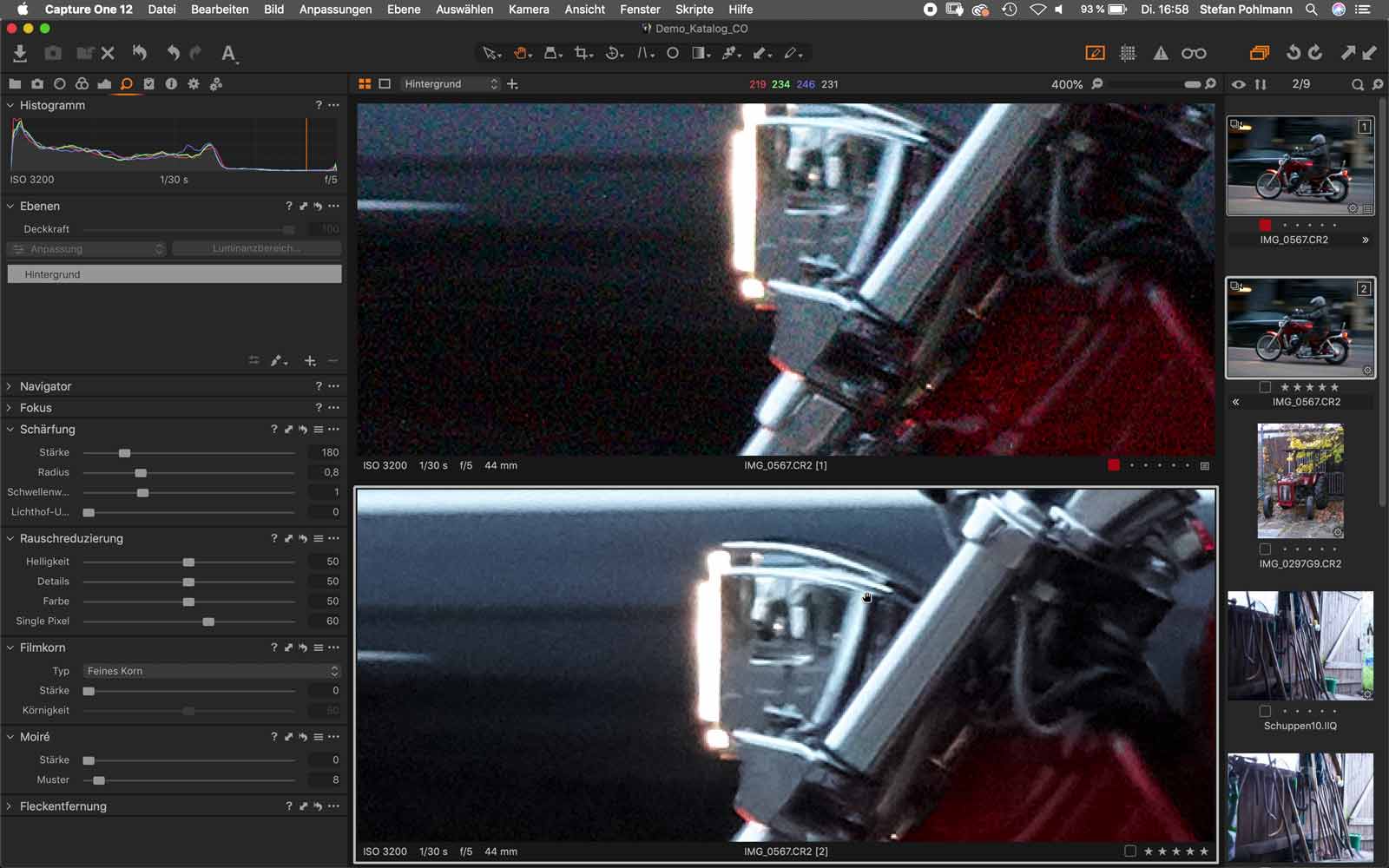
Image quality is the most important factor in Capture One. No matter which camera you use, compact camera, system camera or SLR, Capture One helps you to get the best results from your camera. The focus here is particularly on developing RAW files with the highest level of detail. Noise reduction in Capture One depends on the camera model used and the ISO number selected. The tool provides several setting options that can be used to neutralize image noise. It is important that the elementary structures and colors of the original image are not lost as a result of this correction. You can see how precisely this tool works in the video.
HDR functions
Difficult lighting situations and image areas without color? Capture One provides a really impressive tool here, which can even recover image areas without color values. In the video, Stefan shows us a photo of ponies with backlighting in which the mane no longer contains any pattern, i.e. has been burnt out. We can correct this afterwards using the Capture One HDR tool and the Highlights slider. In this example, the Capture One image editing software automatically calculates the missing structures back into the image. Of course, this only works if there are enough similar areas around the image, but the example shows that the function can be very practical. Overall, we have the feeling that Capture One covers many photo editing options for which you would otherwise use other software such as Adobe Photoshop.
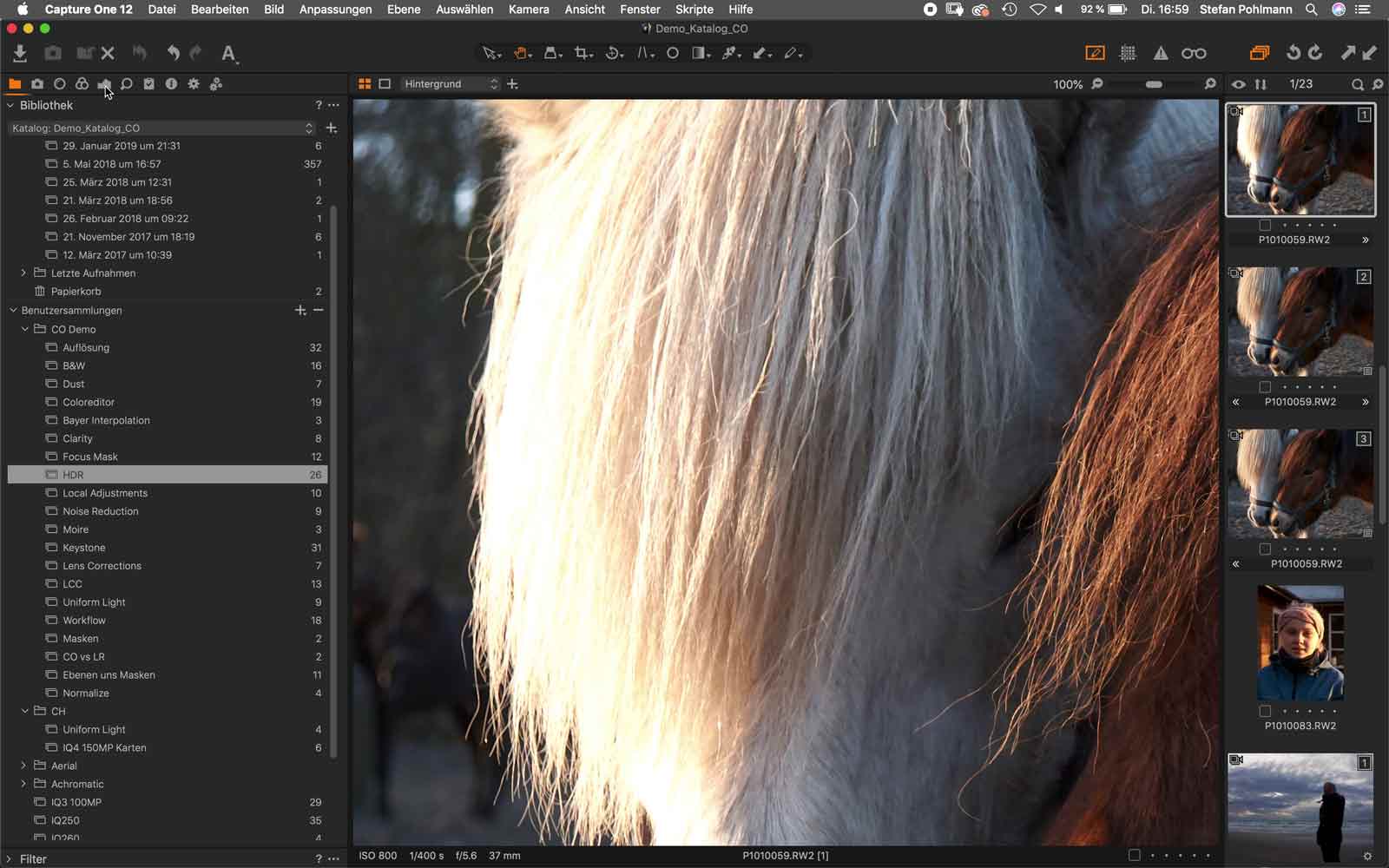 Before
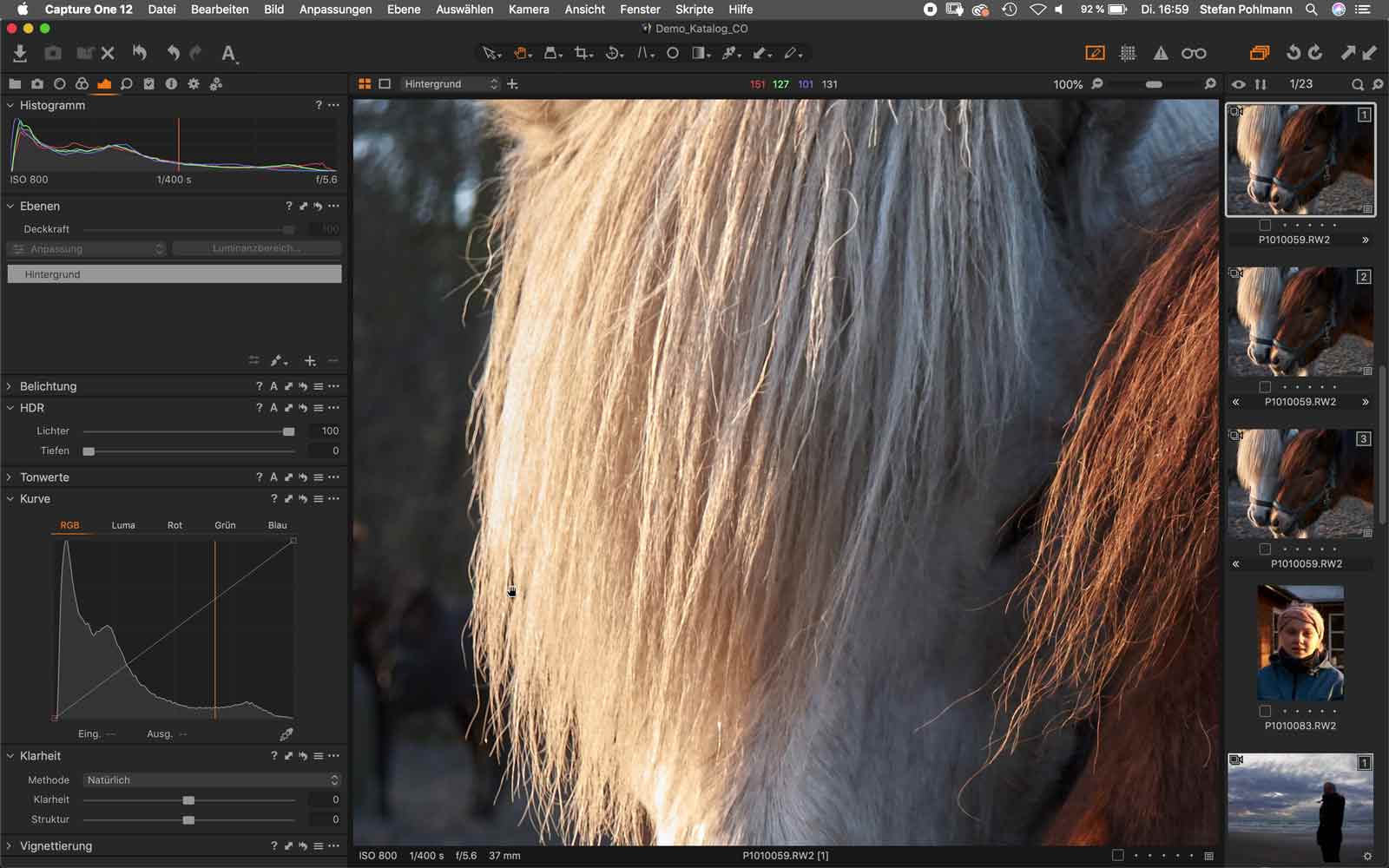 Afterwards
Tethered shooting
A unique feature of Capture One is the tethering function. Capture One enables fast, flexible and particularly reliable tethering for professional photographers. Shooting directly into Capture One is ideal when speed and precision are paramount, for example in studio productions. Transfer the photos directly to the computer to check and, if necessary, adjust images immediately after shooting, as well as to make certain adjustments or apply presets straight away.
An initial conclusion on Capture One
Overall, we can say that we were surprised by the Capture One image editing software. The intuitive user experience, with even faster & more efficient workflow is not only important for professional photographers, but also inspires amateur photographers in image editing. As it is difficult to describe the multitude of editing options and tools in a blog article, we recommend that you download the free trial version of Capture One and simply try out the highlights for your next project. Let us know about your experiences! Simply write us a message on Facebook or Instagram.
Try Capture One Pro 21 for free:
Buy Capture One Pro 21 at Foto Koch: