Guide to the best memory cards - everything you need to know!
Digital photography is just as impossible without a memory card as analog photography is without film. In recent years, the names of memory cards have become increasingly opaque and can confuse beginners in particular. We will now try to clarify the situation and explain the best models and names.
Table of contents
Different memory card formats
What does my camera support?
What do all the numbers mean?
What does this SDHC or SDXC mean?
What is this "U"?
The meaning of Class XX
The new Video Speed Class (VXX)
What speed do I need now?
What does this lock and the lever on an SD card actually do?
Storage capacity of different storage media
The right reader
Specific memory card recommendations
Specific recommendations for readers
Conclusion


Different memory card formats
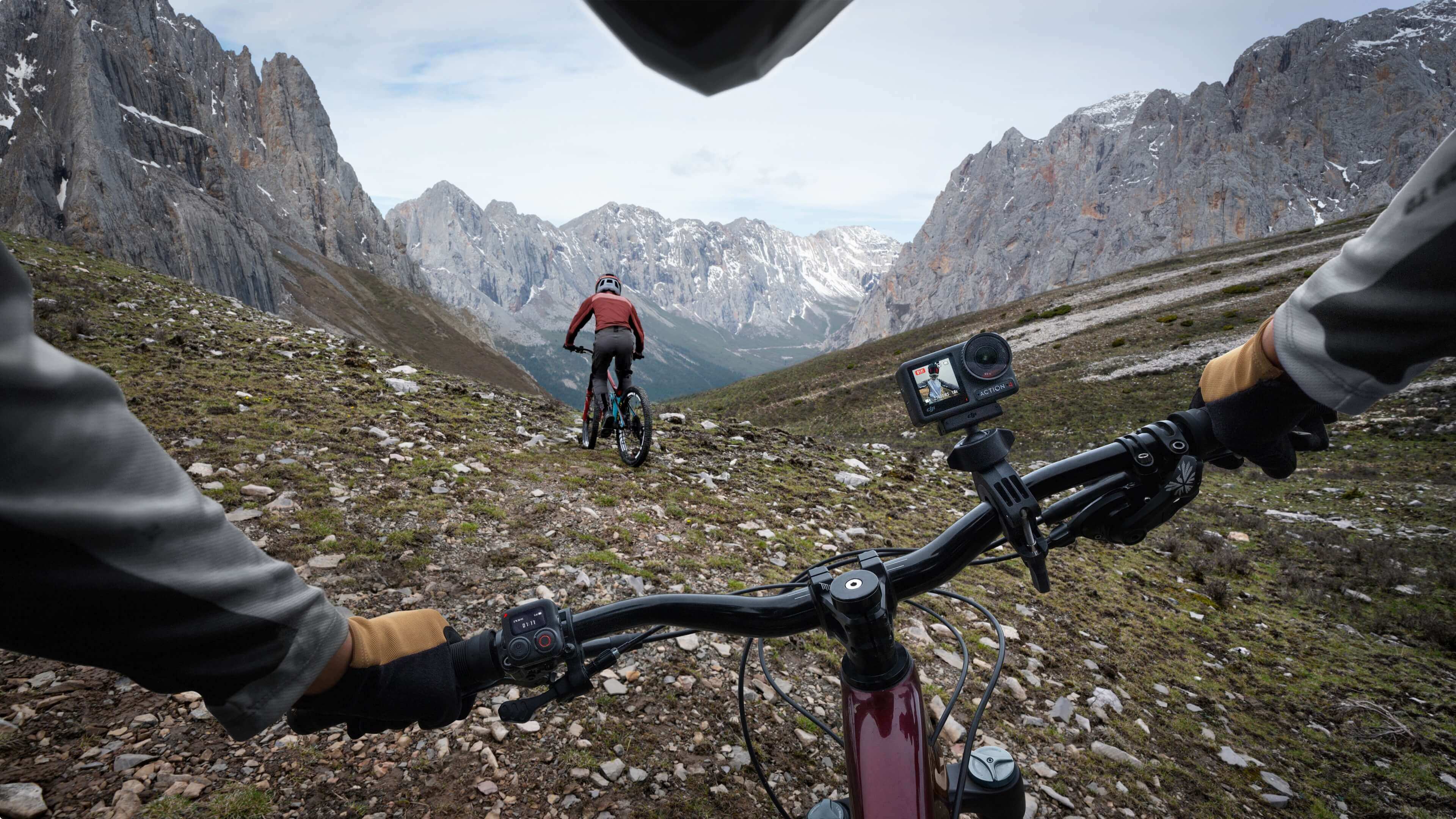
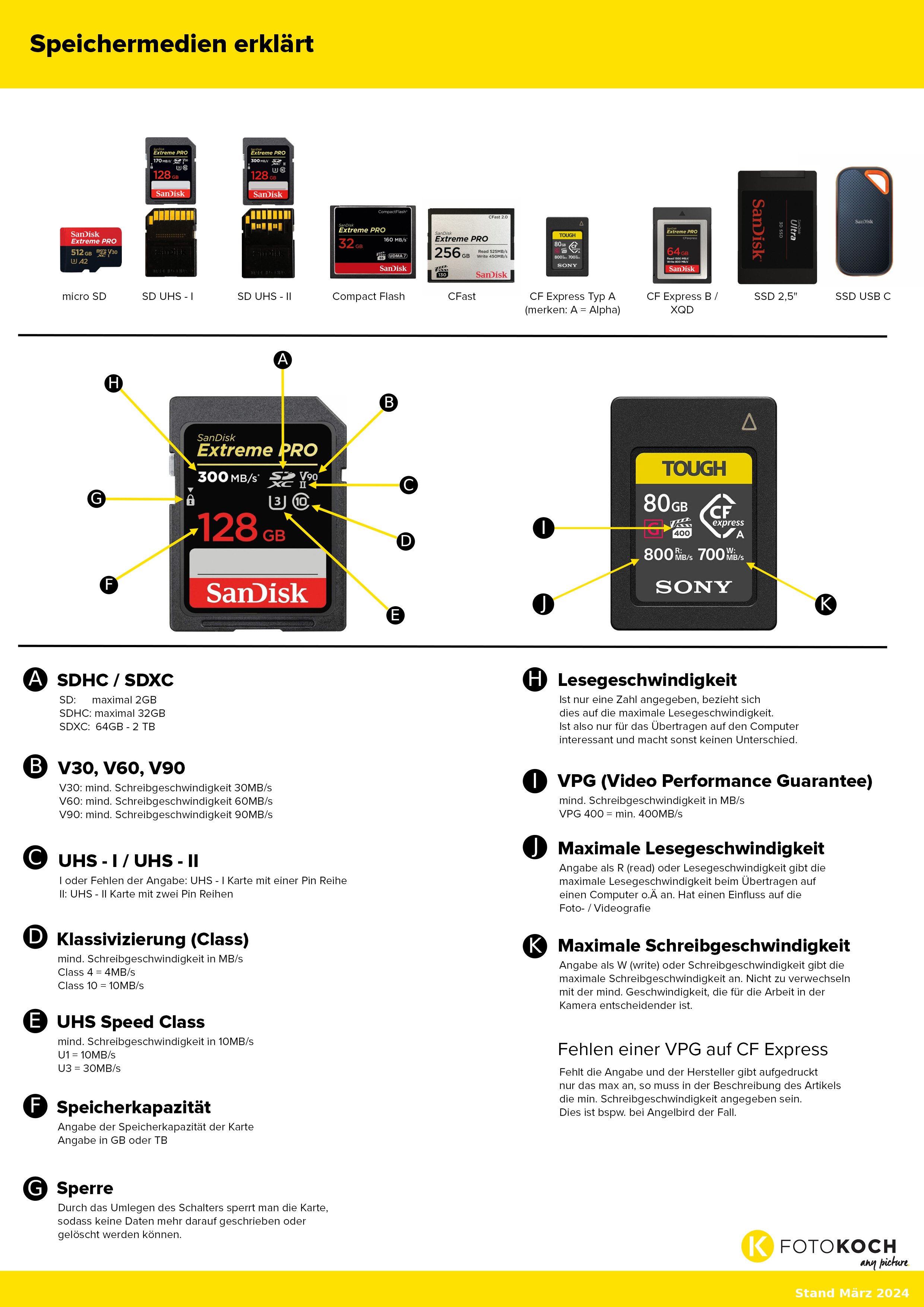
One of the best-known formats is the classic SD card, which is divided into the smaller version of the micro SD card, which is most commonly used in compact devices such as drones or action cams, but even camera exotics such as the Nikon Z f rely on a micro SD card slot as a second storage option. The advantage of micro SD cards is that you can easily adapt them to the larger SD card, but lose speed.

SD card differences in terms of UHS-I and UHS-II
There are currently two basic types of SD cards: UHS-I and UHS-II, which you can easily distinguish from the outside, as UHS-I cards only have one row of pins and UHS-II have two. This makes a big difference in the supported speed and compatibility.
Dino memory cards: Compact Flash +amp; CFast
Compact Flash and CFast cards are slightly wider cards with "holes" on the front for pins that are in the camera. The cards have been used in SLR cameras and some camcorders. A 5D IV, for example, has a Compact Flash slot (standard UDMA 7). A CFast card, as the name suggests, was even faster and was used in sports cameras such as a 1D X III.
Fast CF Express memory cards
For the mirrorless cameras, CF Express cards or XQD cards have been developed for the high data sets. There are CF Express type A cards, which are currently only used by Sony and are somewhat smaller than type B cards. Type B can be found in current professional cameras from Canon, Nikon, Panasonic, Fuji and others. The XQD cards are identical in construction to the CF Express type B cards, but differ only in their internal values. XQD cards are technically the step between CF cards and CF Express cards, which is why the much faster CF Express card has prevailed.
The SSD for large amounts of data
However, there are also a few cameras (especially in the video sector) for which SSDs can also be used for recording. These are usually external USB-C SSDs; and these can currently mainly be used with cameras from Blackmagic or Panasonic.
What does my camera support?
The card supported by your camera is always stated on the camera itself. With SD cards, it is best to check whether the camera supports UHS-II cards so that you do not spend a lot of money unnecessarily on a memory card whose performance capabilities you cannot fully utilize anyway. You can also use a UHS-II card in a UHS-I slot, but not at the full speed that the card supports.
With current Sony cameras, it can also be a little confusing that both CF Express Type A and SD cards are supported. This is simply because both card formats fit into the card slot - which we find quite good, because you don't always need the expensive and fast CF express card and can therefore switch to SD cards from time to time.
What do all the numbers mean?
If we take a look at a card - and it's best to take an SD card - there are lots of numbers and information on it. But what do they actually mean?
The speed indicated on your card shows the maximum MB/s, e.g. 300MB/s as shown in our video, this value suggests a constant rate, but this is an ideal maximum value. If you look at the average value, it is much lower. The best way to test the cards is to use the software from Blackmagic: Blackmagic Disk Speed Test.
What does this SDHC or SDXC mean?
The designation has more to do with the formatting and the maximum capacity. SDHC cards have a maximum size of 32Gb. Very old cameras worked with a different formatting standard, which could not process more than 32Gb. Modern camera models allow much more and you no longer have to worry about whether the memory card is too large for your camera.
What is this "U"?
If you look at the "U" designation, it is actually no longer particularly relevant today, it describes the write speed. U1, U2 and U3 describe the minimum write speed, i.e. U1 is 10 MB/s, U2 is 20 MB/s and U3 is 30 MB/s. As we now have a much higher write speed with newer cards, this has been replaced by the Class, which is now also obsolete and has been replaced by the V30/V60/V90.
The Class XX meaning
The number in the circle, e.g. a 10, describes the Class 10, which offers at least 10MB/s write speed, so if you still have a memory card with a lower number, you should buy a new one.
The new Video Speed Class (VXX)
The write speed, which is specified in V30, V60 or V90. As you can already imagine, this also stands for the minimum writeable MB per second. A V60 card can therefore write at least 60 MB per second. This was introduced for video recording in order to be able to guarantee a constant write rate of 60 MB per second, for example. Although the card can usually write a little more, it guarantees that at least 60 MB per second can be written at all times. So if you do a lot of video, this is the most relevant specification for you to prevent dropped frames due to a slow memory card.
This V Class designation is subdivided into the following groups:
- V6
- V10
- V30
- V60
- V90
CF Express cards also have a film flap with a number and this also indicates the write speed for videos. The VPG, i.e. Video Performance Guarantee, also indicates the minimum, constant write speed and, as you can see here, is significantly faster with CF Express cards than with fast SD cards.
What speed do I need now?
It's quite simple for photos. When you buy a new camera, it's best to research how large a RAW and how large a JPEG is. Then you'll know the maximum amount of data you need to save. If you take a lot of continuous shots, you would of course have to extrapolate accordingly. Don't worry, your camera also has an internal buffer memory. So if your card cannot save every image immediately, the images can be temporarily saved on the camera and then written to the memory card from there. Just bear in mind that this can fill up depending on the length of the series and the images per second will be reduced accordingly.
What about video?
With video, the whole thing becomes much more difficult to calculate. Here we have to look at the manufacturer's specifications for the video resolution and take a closer look
The manufacturers usually specify the amount of data used here.
For example, Lumix shows the amount of data required for its various video formats, such as the Lumix S5 IIX here: [C4K] 4096 x 2160, 29.97 p, 400 Mbit/s
Now you know what the minimum speed of the card must be. But ATTENTION: Manufacturers usually specify this amount in Mbits/s. This does not correspond to MB/s. This does not correspond to MB/s. At 400 Mbit/s, this would be 50MB/s; a V60 memory card with a permanent write speed of at least 60 MB/s is therefore completely sufficient here.
Factors for the size for video are:
- File format
- Color profile
- Fps
- Bit rate (8Bit, 10Bit, etc.)
- Codec
What does this lock and the lever on an SD card actually do?
Last but not least, SD cards have a lock on the side that you can use to lock the card. Incidentally, this is also the first point you should look at if an SD card "just won't work".
Storage capacity of different storage media
After speed, it's now a question of storage capacity. SD cards and CF express cards are getting bigger and bigger and can now even hold several terabytes of data. When buying or rather choosing a card, make sure that you only buy as much as you really need. As the memory card is not usually used as mass storage, but rather as intermediate storage between recording and processing or archiving, the card may "only" have 64, 128 or 256 GB.
Bear in mind, of course, that the more megapixels your camera has, the larger the amount of data it generates for your RAW photo; video files consume even more data, especially if you also record at a high number of frames per second (e.g. 120p). Redundant storage is often necessary, especially for important recordings, to minimize the risk of data loss. If, for example, you photograph or film an entire wedding on just one memory card and then lose it or even damage it, that would be a huge problem.
So it's better to change the card more often and risk only partial data loss. Currently, the large memory cards are often still rather slow or absurdly expensive, which is why it makes more sense to use a good, fast, medium-sized card.
The right reader
Now you know which card is the right one for your camera, but of course you also need to remember to transfer the images from the camera to your PC / Mac. You can usually use a USB cable for this, but a reader is better
Specific memory card recommendations
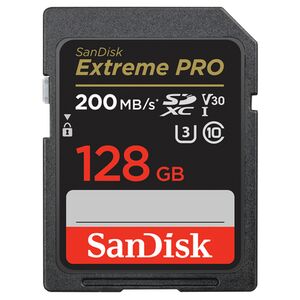
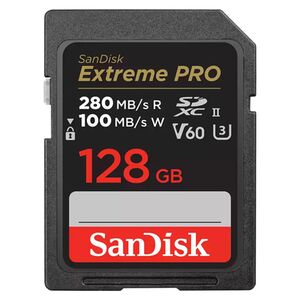
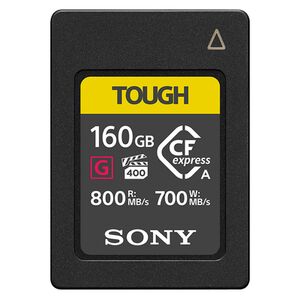
For SD cards, we can recommend the SanDisk Extreme Pro or the Lexar Professional cards. Both are available in all possible memory sizes and speeds. If you need a particularly robust card, you can also take a closer look at the Sony Tough cards, which are also available in V60 or V90 and in various memory sizes. They live up to their name and are really robust. Unfortunately, there is not yet a particularly large selection of CF Express Type A cards, as Sony has produced these cards exclusively for a long time. However, with the Tough card you still have a very good and, above all, particularly fast card. There is now a large selection of CF Express type B cards and Delkin is a good choice for filmmakers in addition to Lexar and SanDisk.

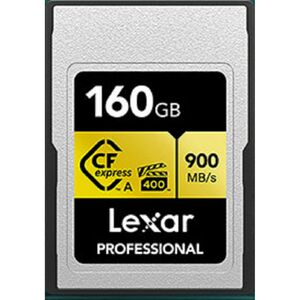
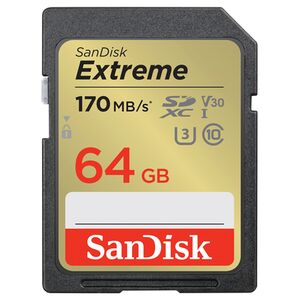
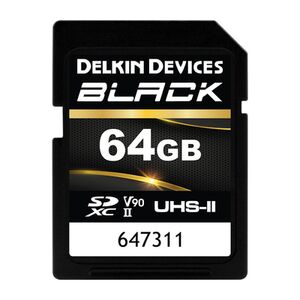
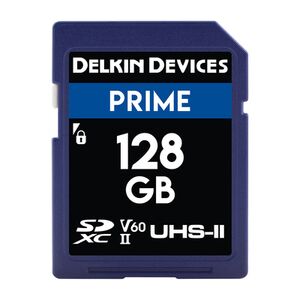
Specific recommendations for readers
When it comes to readers, we can recommend the Lexar RW530 2-in-1 reader for CF Express Type-A and SD cards to every Sony user. Even if you don't have a CF Express Type A card yet, the reader is a little more future-proof as it supports both formats. Sony of course also has its own reader, which also supports both. There is also a good reader from Sony for CF Express type B or even dual readers from Lexar or SanDisk. However, if you only need a cheaper SD card reader for UHS-I and II cards, you can't go wrong with a reader from SanDisk.
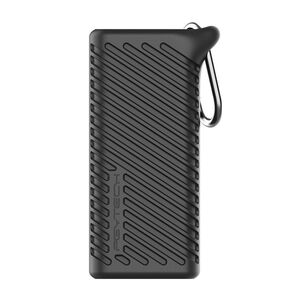
PGYTECH Createmate High-Speed Card Reader
- All-in-one card case and fast card reader
- with a built-in USB 3.1 chip, the transfer speed can reach 312 MB/S.
- two SD and TF card slots support simultaneous data transfer
- can hold 4xSD card, 4x micro SD card, 2x nano SIM card and an ejector pin
- suitable for cameras, smartphones, drones and action cameras
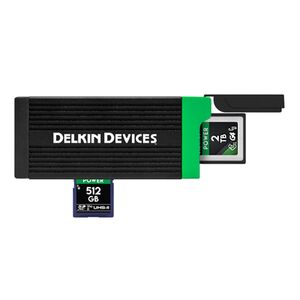
Delkin CFexpress Type B and SD USH-II dual card reader
- dual card reader for best possible flexibility
- anodized aluminum construction with heat sinks to prevent overheating
- built-in card compartment with rubberized end cover
- USB-C
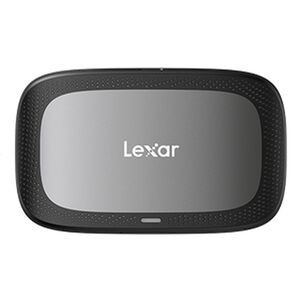
Lexar RW530 2-in-1 reader CFexpress Type-A/SD
- Lexar RW530 2-in-2 reader
- High-speed transfer
- for CFexpress Type A and SD cards
- USB Type-C connectivity
- for professional users
Conclusion
So, we hope this has given you some clarity in the memory card confusion out there. There are many outdated standards, some of which are still on the memory cards, but can be safely ignored. Most of the information on the memory cards for use in photography is not as relevant for normal use as it is for videography and sports/event photography.